Floor plan to 3D render: photos of every room from your plan
Upload a floor plan (PDF, JPG or PNG) and Roomsee builds a 3D model and a photoreal render of every room, with walls, windows and doors where your plan puts them. One style for the whole home costs $29.99 and takes about 20 minutes.
How does floor plan to 3D render work?
- You upload the plan. Answer a few quick questions, pay, then upload a JPG, PNG or PDF of your floor plan.
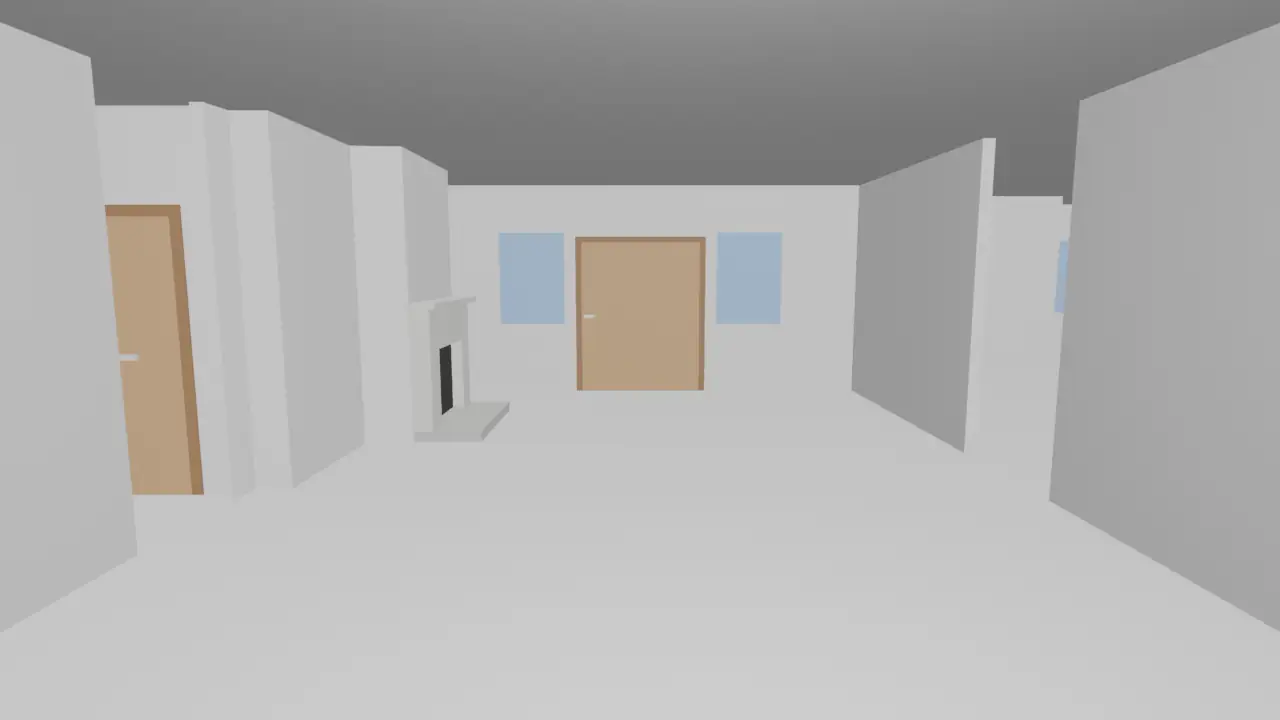
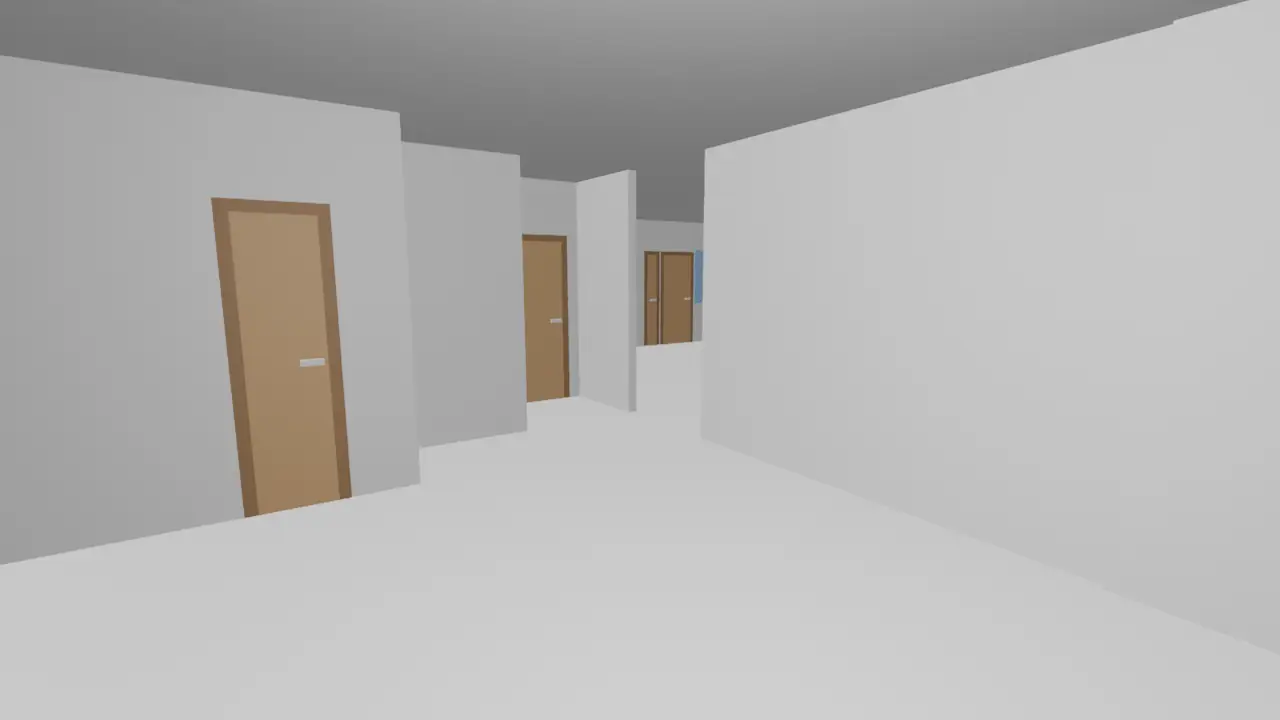
- We read the plan and build a 3D model. Reading takes about 8 minutes. We find the rooms, walls, doors and windows, and build a grey 3D model of every room with a camera inside it. An open kitchen and living area is split into zones, and each zone gets its own camera. Then you check the room list and set what each room is for.
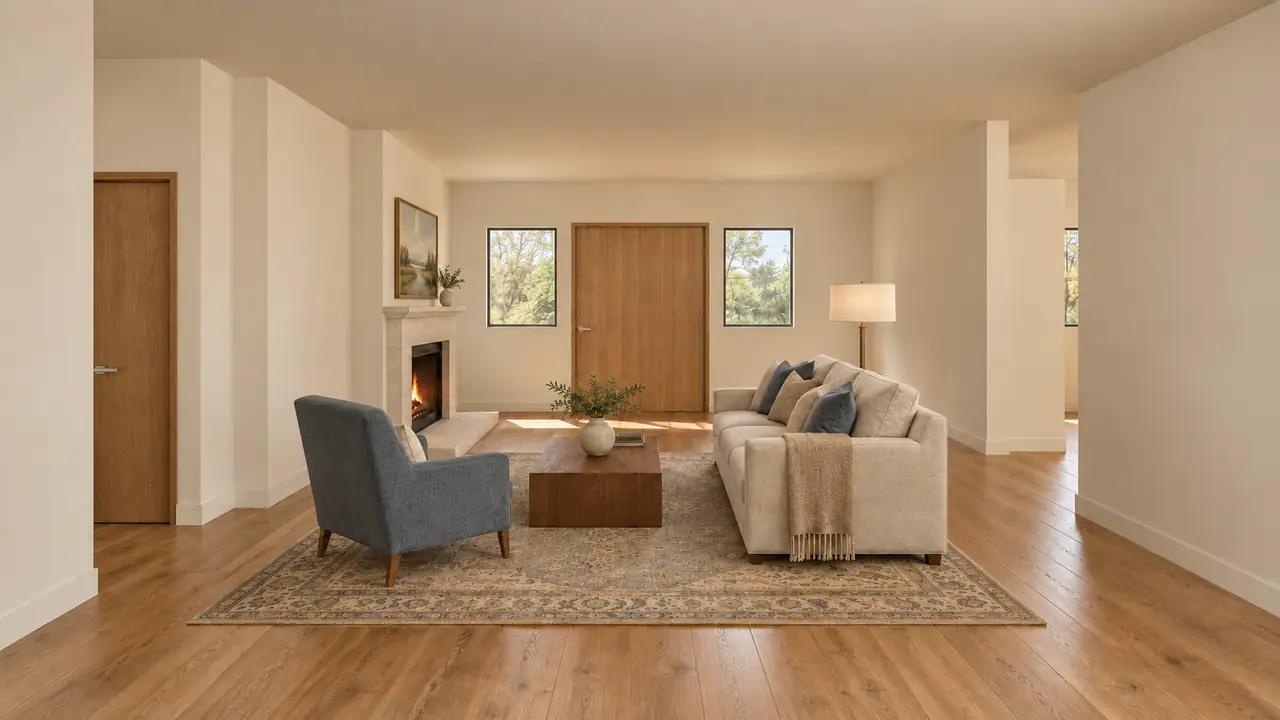
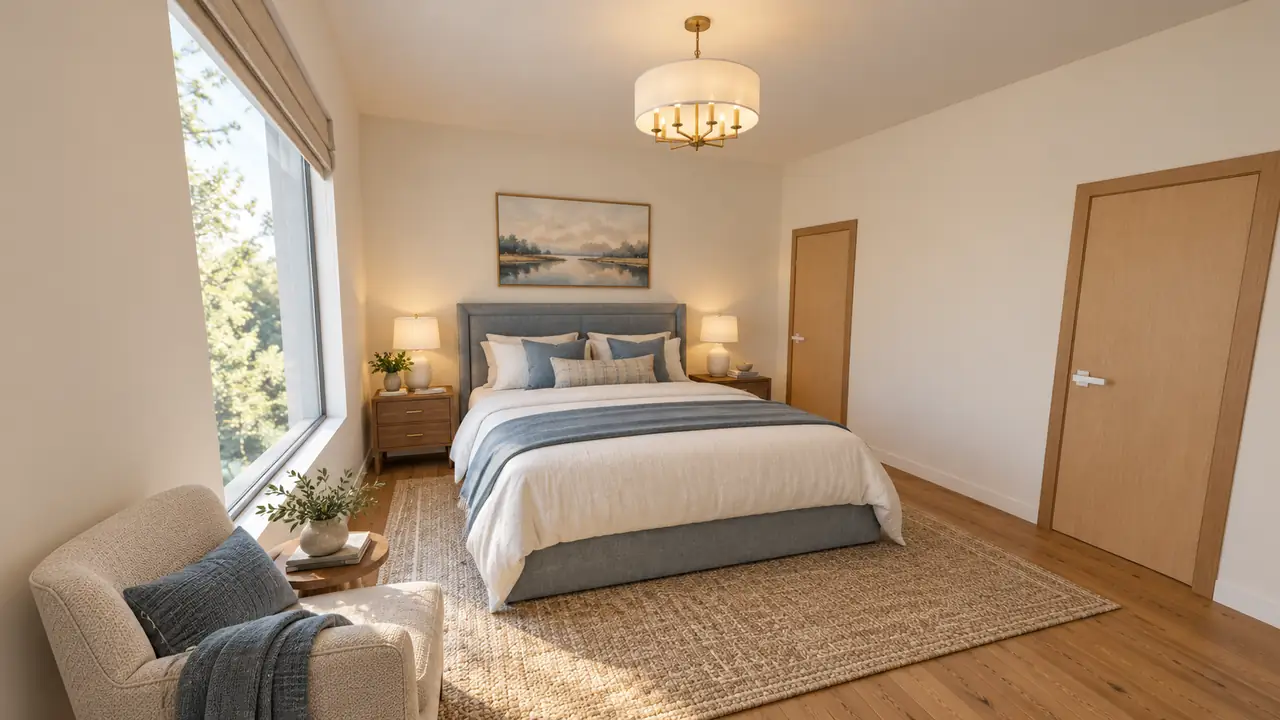
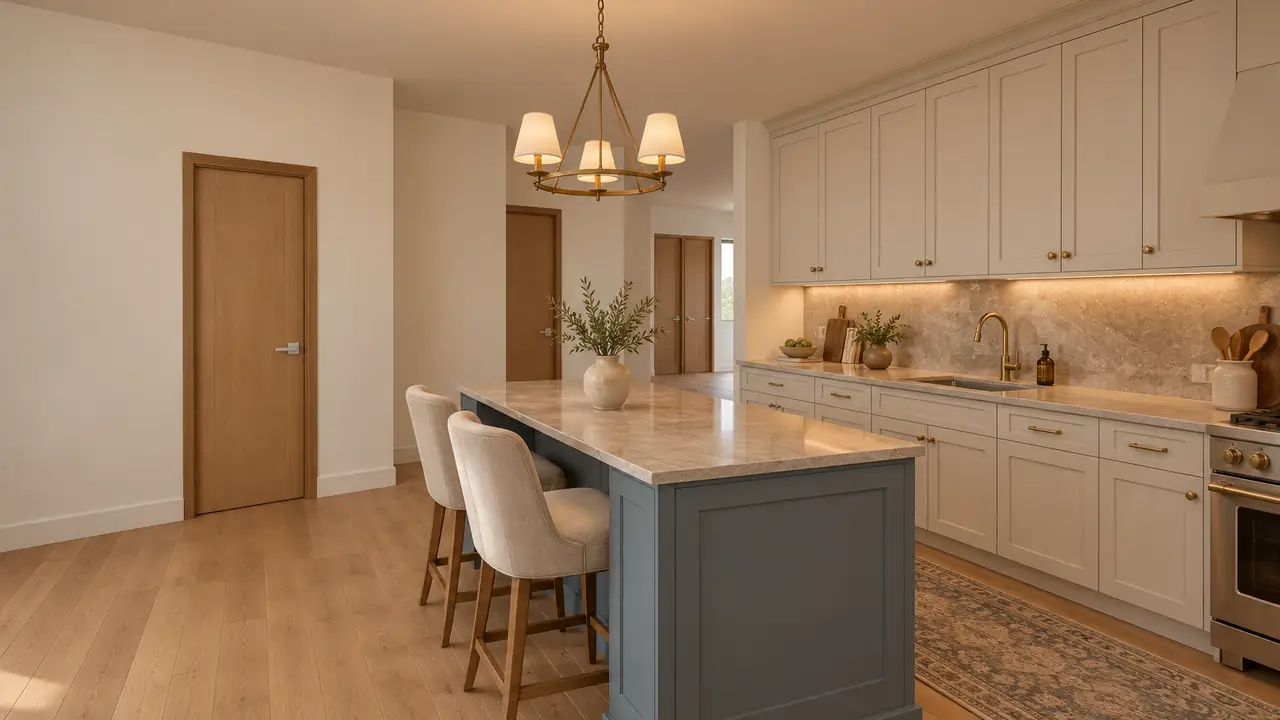
- We render every room. In the style you choose, about 12 minutes. Each render is drawn over the 3D model from the same camera, so the walls, windows and doors stay in place.
Every render is checked against its 3D model before it reaches you. A render that fails the check is redrawn automatically and never lands in your album. The album lives in your account, with a link you can share; whoever opens it does not need to sign up.
What do the renders look like?
Three pairs from two of our own test homes. Each photo is the render we delivered, not a retouched one.
A 9-room, one-story home
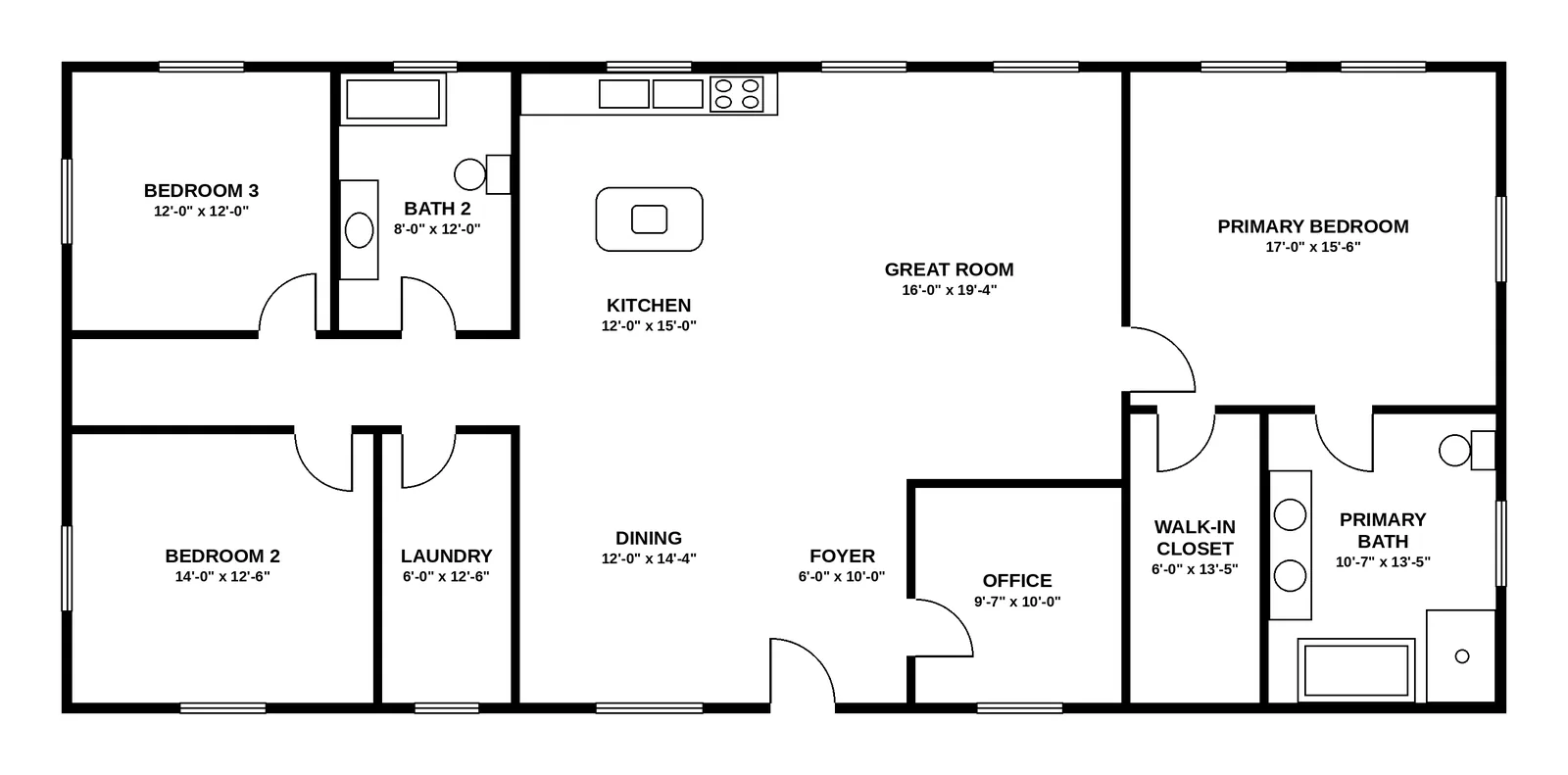
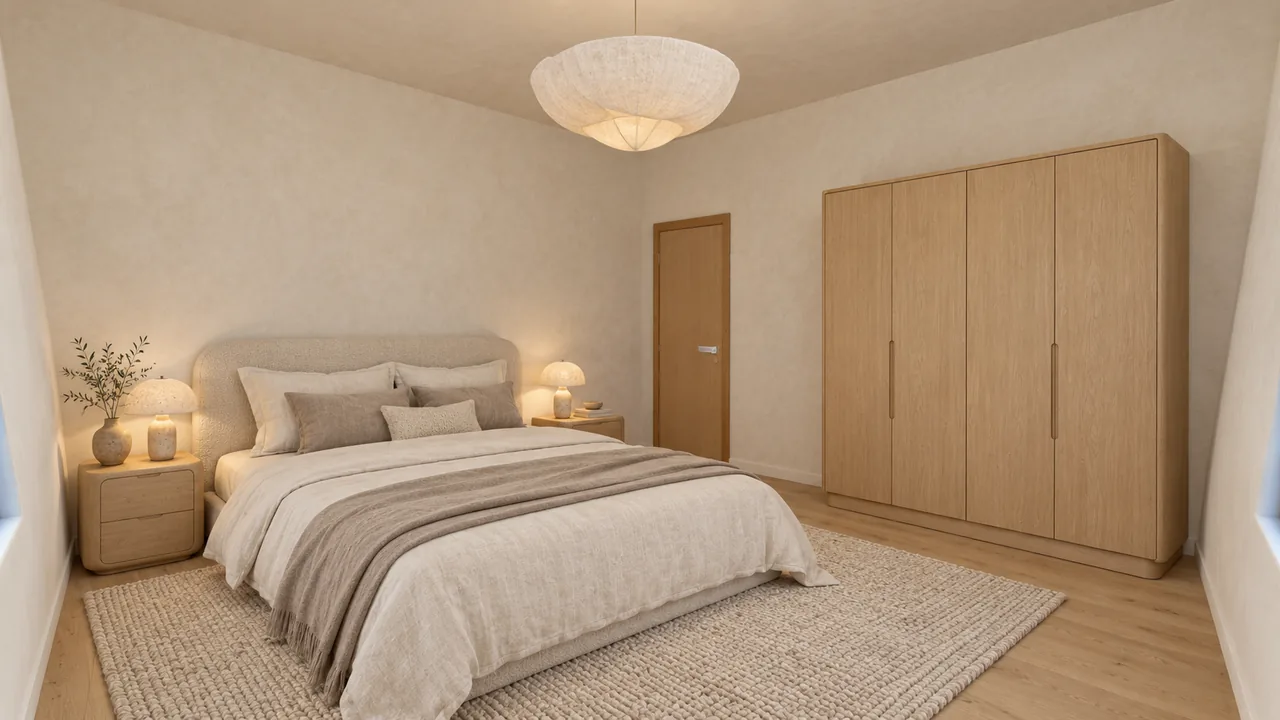
A 4-bedroom ranch
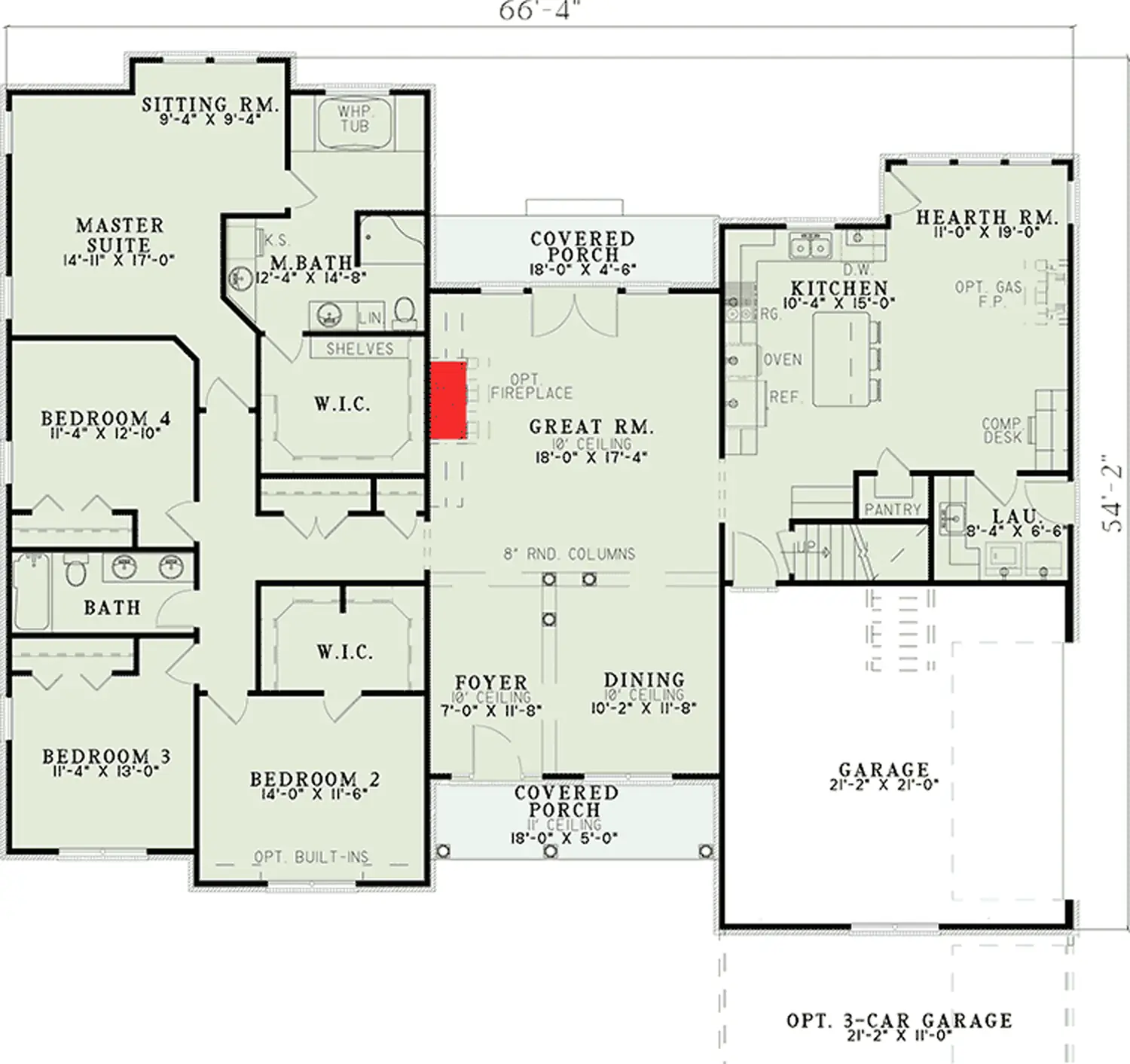
The same ranch: the kitchen zone
Not every room comes out perfect. In the ranch, our 3D model closed one open porch with walls, and its render reads as an enclosed room. The full stories, with every miss: the 9-room home case study and the 4-bedroom ranch case study.
What does it cost?
One payment, no subscription. Every plan includes the full album of your home and 9 extra renders you can use to re-render or edit any photo.
| Plan | Price (USD, one-time) | What you get |
|---|---|---|
| 1 style | $29.99 | Your full album + 9 extra renders |
| 3 styles | $59.99 ($20.00 per style) | 3 full albums of your home to compare + 9 extra renders |
| 5 styles | $79.99 ($16.00 per style) | 5 full albums of your home to compare + 9 extra renders |
If a photo fails our check, re-rendering it is free. See the pricing section on the home page for the details.
Who is it for?
- Buyers of a new build. The house is not built yet, but the builder's plan already fixes the walls, windows and doors. See how to see what your new home will look like inside, using the builder's floor plan.
- Homeowners planning a move or a refresh who want to see a room furnished before buying anything. Pair the renders with how to furnish a room from a floor plan to check sizes and clearances.
- Listing agents selling a home that is not built yet. See how to market a new-construction listing with renders, and label them: in California, AB 723 requires a disclosure for digitally altered listing images.
What Roomsee does not do
- It is not an interior designer. The furniture is a design suggestion in the style you pick, not a plan made for your family, your budget or the pieces you own.
- No shopping list. The renders do not name products, brands or stores.
- No editable 3D or CAD file. Your album shows your home as a 3D model you can turn in the browser, and you can download every photo, but there is no model file to open in CAD or 3D software.
- It does not fix the plan. The 3D model follows what we read on your plan. If the plan is unclear, a room can come out wrong, which is why you check the room list before rendering.
How does Roomsee compare with 3D room planners and hiring a renderer?
| Roomsee | 3D room planner (you draw it) | Hiring a renderer | |
|---|---|---|---|
| Who builds the 3D model | We build it from your plan | You draw the walls, doors and windows | The artist, from your plan |
| Who picks the furniture | Generated in the style you pick | You place it from the planner's catalog | The artist, with your input |
| Rooms covered | Every room on the plan | Whatever you draw | What you order |
| Time | About 20 minutes from upload | As long as you spend drawing | Set by the studio |
| Changes | 9 extra renders included | Edit as much as you like | As agreed with the studio |
| Editable 3D file | No | Yes, inside the planner | Ask the studio |
| Price | $29.99 for one style, one-time | Depends on the planner | Quoted per project |
FAQ
What kind of floor plan can I upload?
A clear plan from your builder or developer, a listing or an architect, as a JPG, PNG or PDF. From a PDF we read the first page.
How long does it take?
Reading the plan takes about 8 minutes, then you check the rooms; rendering takes about 12 minutes, so about 20 minutes from upload in all. A bigger home takes longer: our 4-bedroom ranch took about 32 minutes. We email you when the album is ready.
Will the renders show my own furniture?
No. The walls, windows and doors come from your plan. The furniture is a design suggestion in the style you pick.
What if a render looks wrong?
Before a frame reaches you, we check it against your 3D model and retry it automatically if it fails the check. If a room still ends up without a frame, re-rendering it is free, up to 3 tries in all. To change a frame you already have, use your extra renders: 1 render per re-render or edit, charged only when the new frame passes the check.
Can I download the 3D model?
No. Your album shows your home as a 3D model you can turn in the browser, and you can download every photo. There is no 3D or CAD file to download and edit.
See every room of your plan furnished
One style for the whole home: $29.99, one-time. About 20 minutes from upload.
Upload your floor plan