What does a 9-room floor plan look like furnished? A room-by-room case study
We uploaded the floor plan of a 9-room, one-story home to Roomsee and got 12 furnished photos in the Organic Modern style: one for each of eight rooms and four for the open kitchen, dining, great room and foyer. Each photo was drawn over a grey 3D model built from the plan, so doors and windows kept their walls. It took about 20 minutes from upload. The same album costs $29.99, about $3.33 per room.
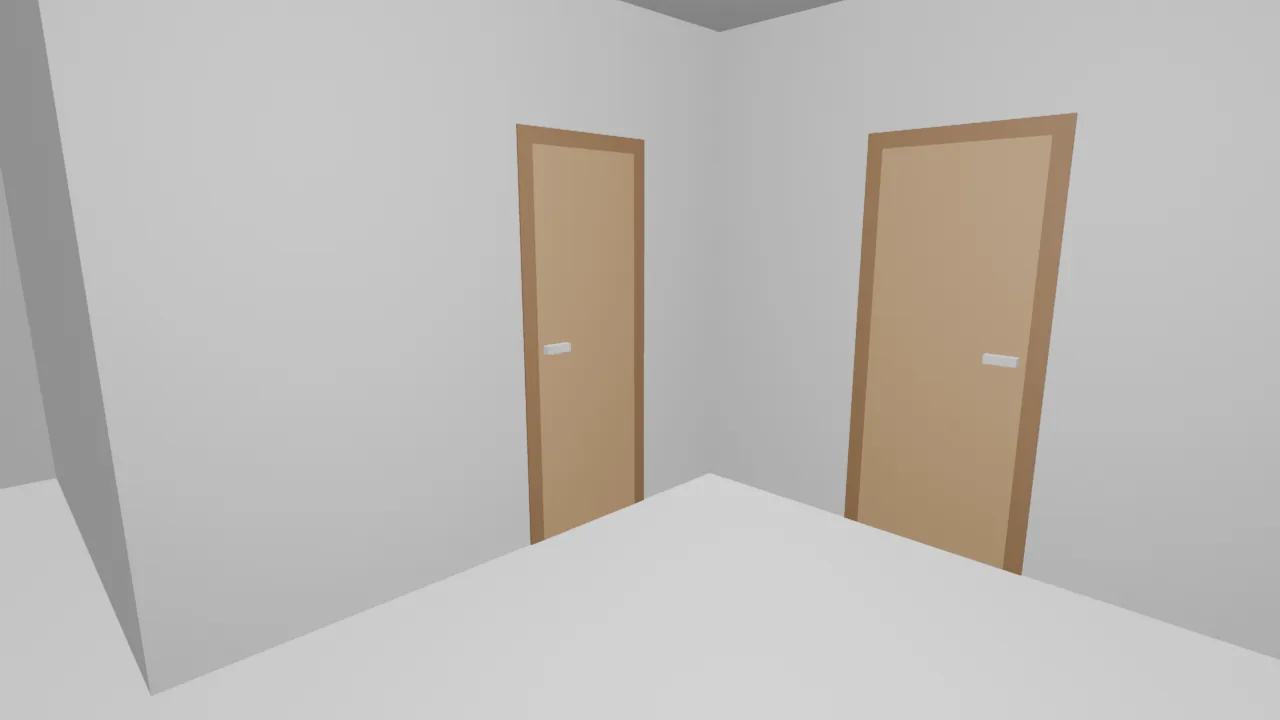
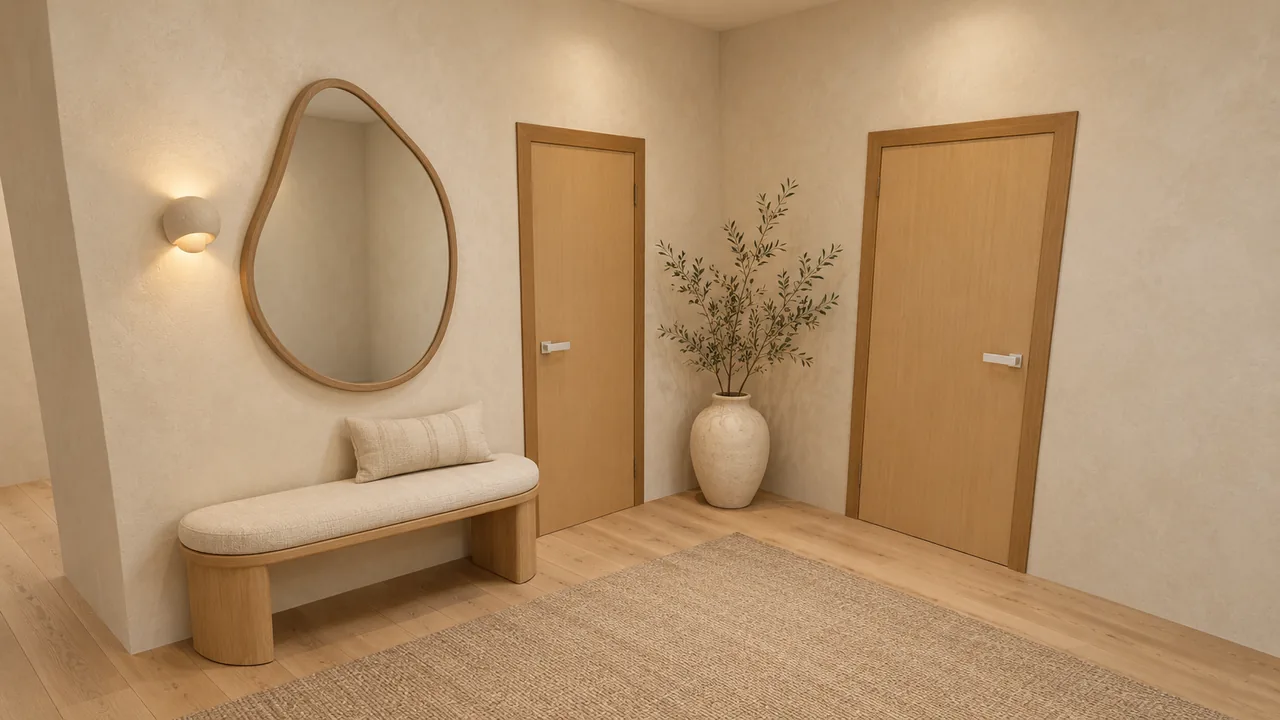
This is our own sample home, the one you can walk through on the sample home page. We ran the album on October 7, 2026. Below is the plan we started from, the model and the photo side by side for four rooms, the timing of every step, and what didn't go perfectly.
What did we start from?
A clean black-and-white plan of a one-story home: three bedrooms, two baths, a walk-in closet, an office and a laundry. The kitchen, dining area, great room and foyer share one open space with no walls between them. Room sizes are printed in feet and inches.
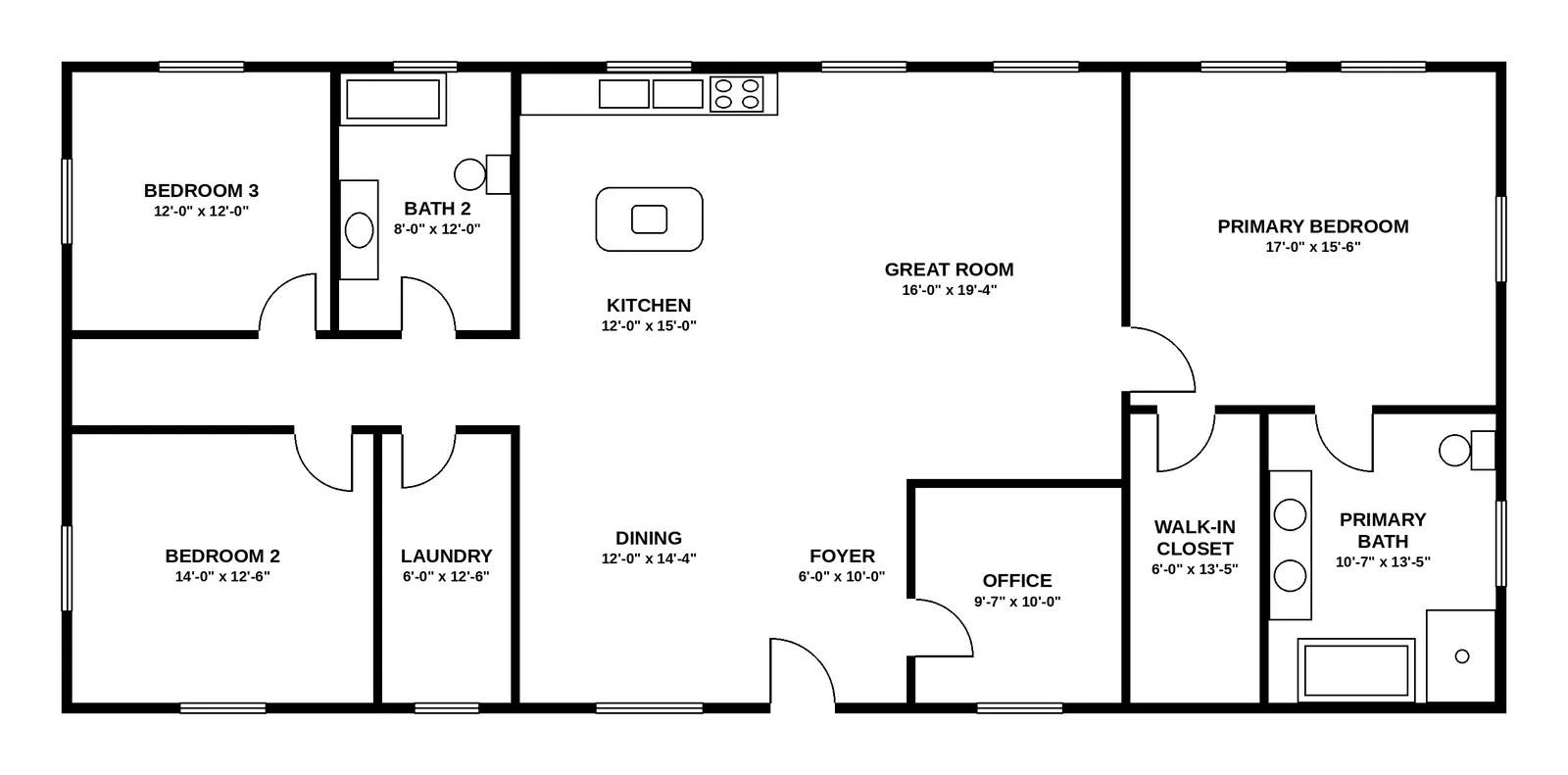
A plan like this fixes where every wall, door and window goes. It doesn't tell you how the rooms feel with furniture in them, which is the question the photos answer.
What happens between the plan and the photos?
There are four steps, and you see each of them in your account:
- We read the plan. We find the rooms, their names, the walls, the doors and the windows.
- You check the rooms. You see the list of rooms we found and confirm it before anything is drawn.
- We build a grey 3D model. Every room gets a simple model with its walls, doors and windows, and a camera inside it. The open space is split into zones, and each zone gets its own camera.
- We draw a photo on top of each model. Each photo is then checked against its model and against the things the room should have, such as a bathtub in a bath. A photo that fails is drawn again automatically and never reaches you.
How long did this album take?
We took the times from our own records for this project. The clock is UTC, October 7, 2026.
| Step | Time | How long |
|---|---|---|
| Plan uploaded | 01:10 | — |
| Plan read | 01:17 | about 7 minutes |
| Rooms checked, rendering started | 01:19 | about 2 minutes |
| First photo ready | 01:25 | about 6 minutes |
| Last of the 12 photos ready | 01:30 | about 11 minutes of rendering |
From upload to the last photo: about 20 minutes. That matches what we tell every customer: about 8 minutes to read the plan, then your room check, then about 12 minutes of rendering. Our room check took two minutes because we knew the plan; yours may take longer, and the clock waits for you.
What stayed in place, room by room?
The lead pair at the top of this page is the foyer. Here are three more. In each pair the left image is the grey model and the right one is the finished photo.
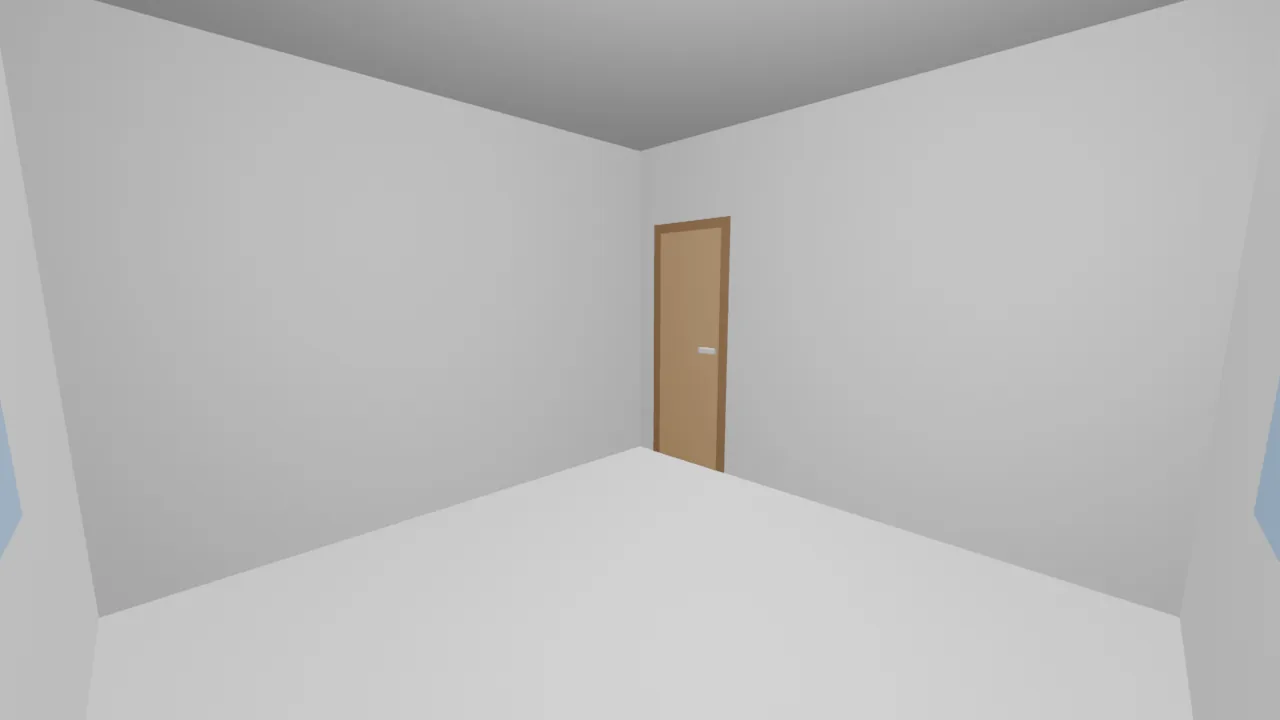
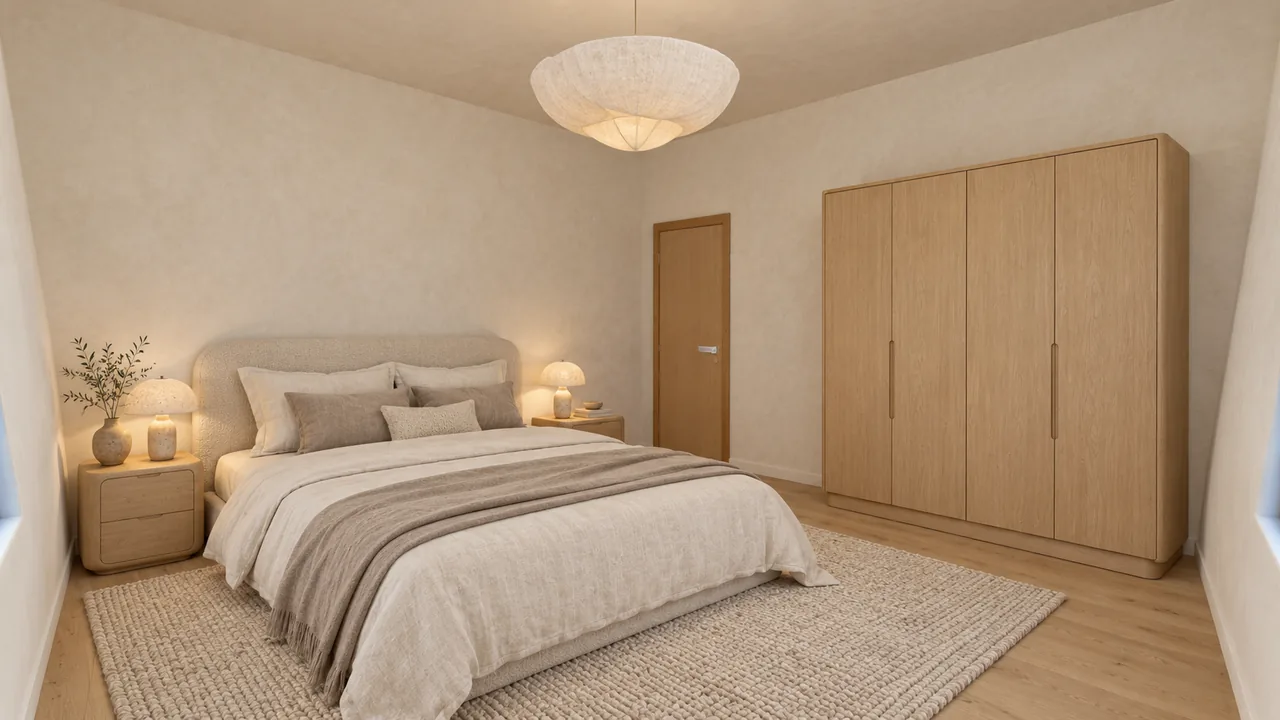
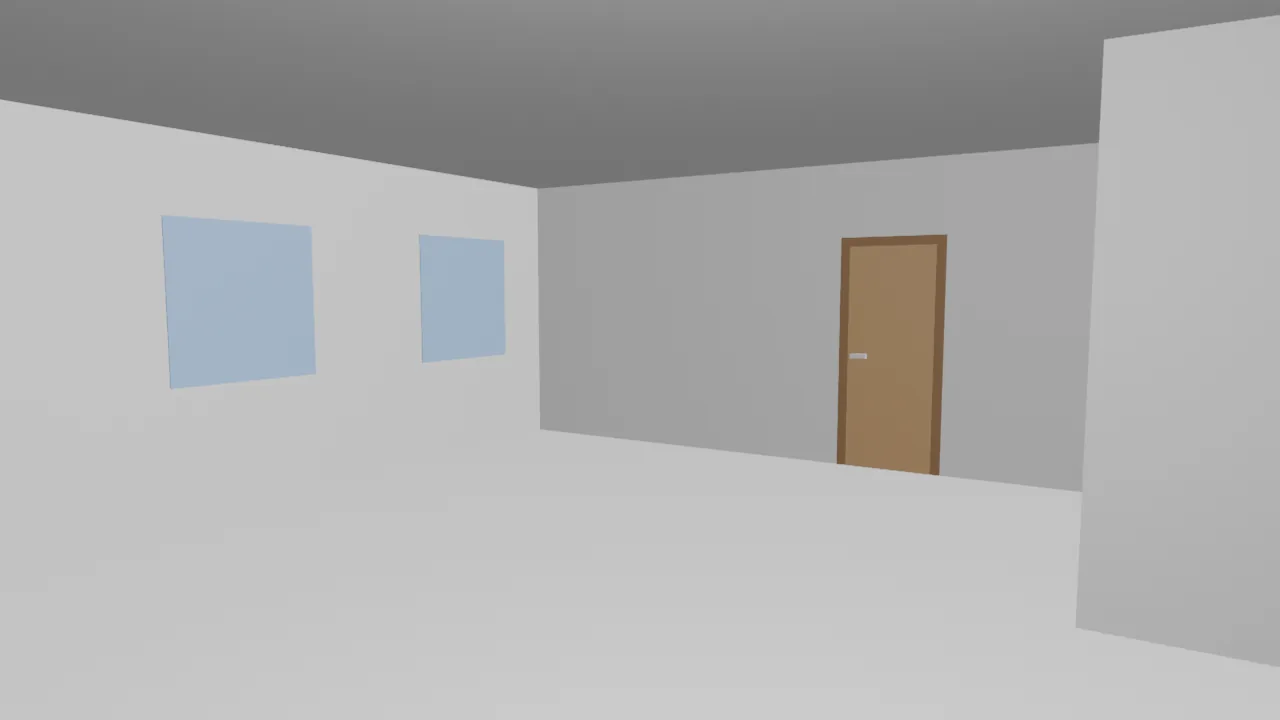
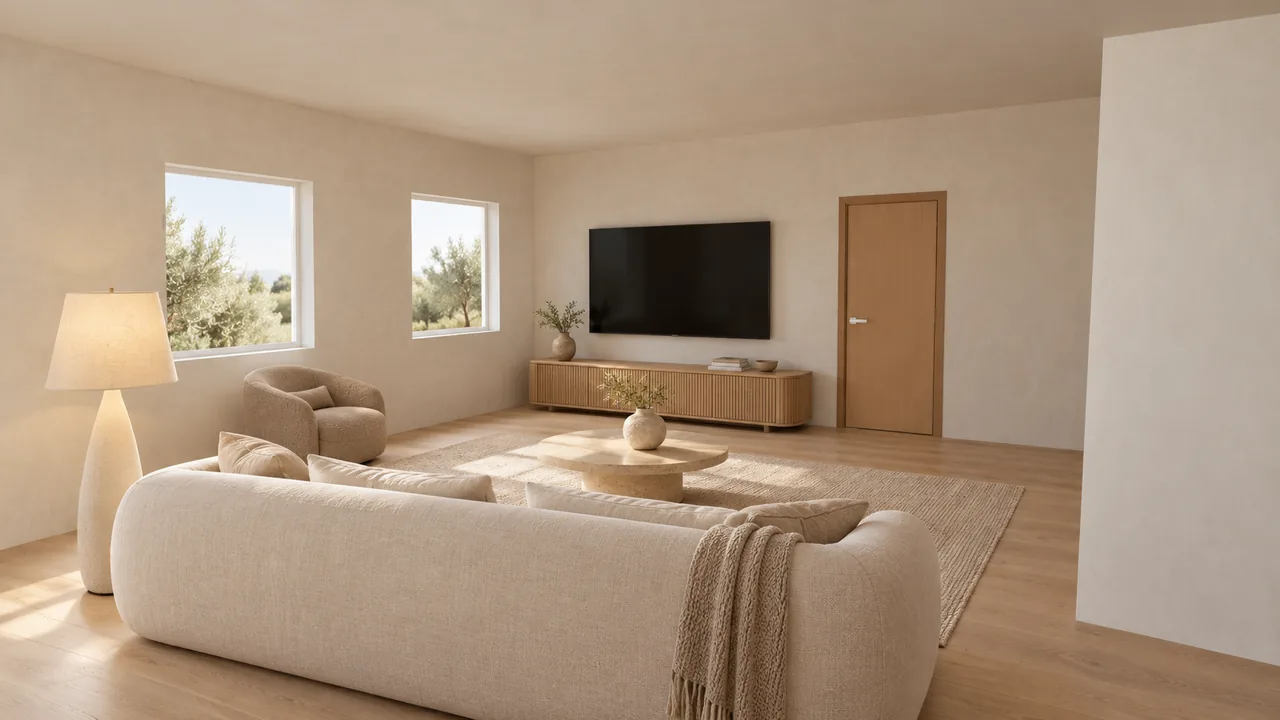
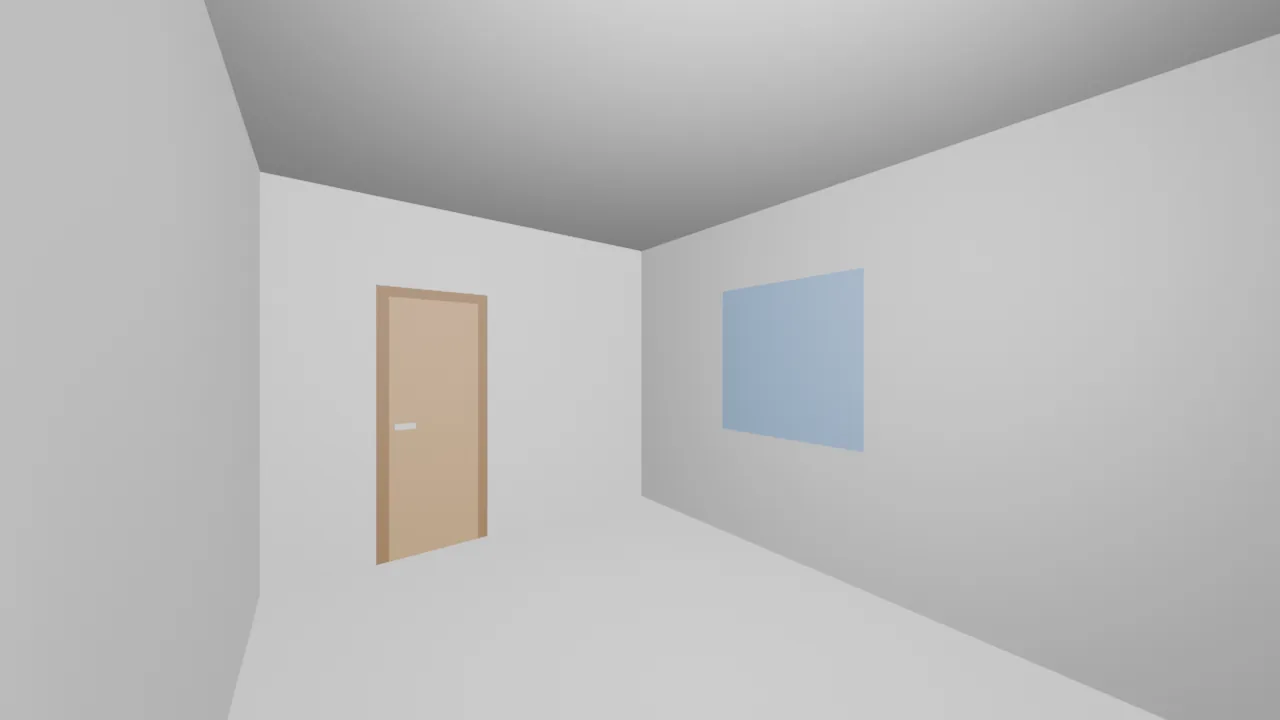
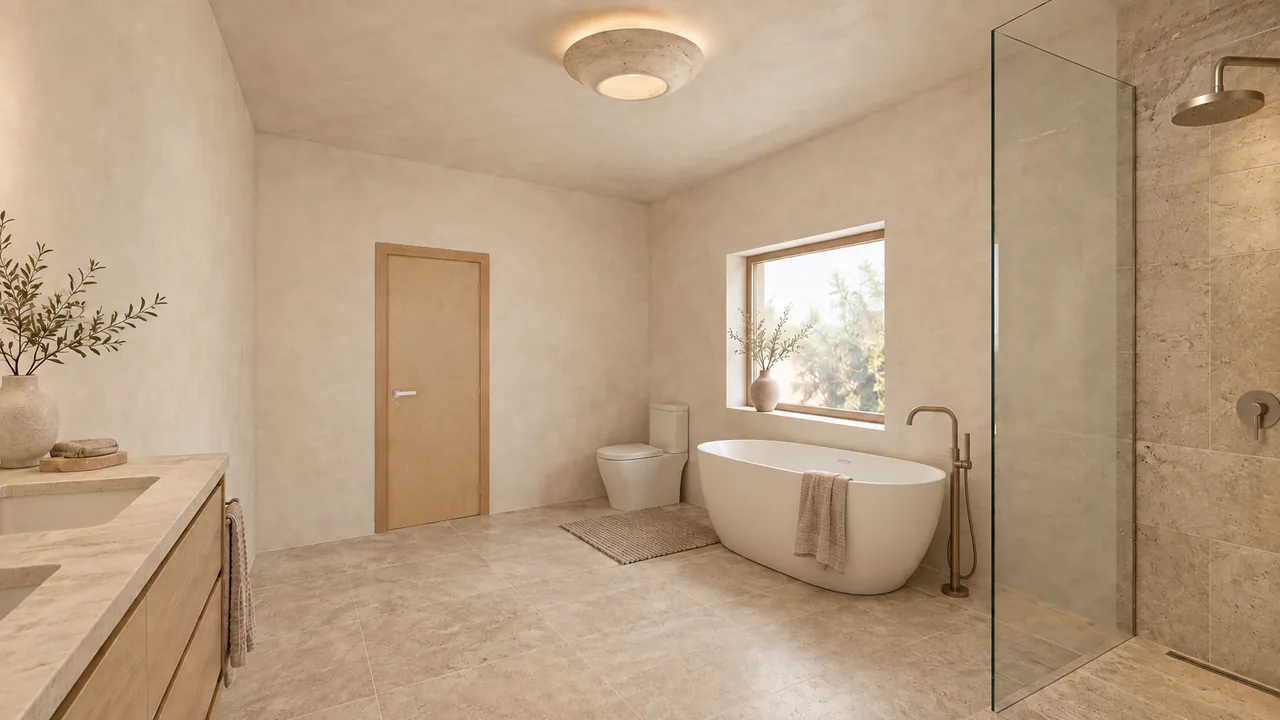
The table shows all 12 photos and how many tries each took before it passed the check.
| Room on the plan | Photos | Tries until it passed |
|---|---|---|
| Bedroom 3 | 1 | 1 |
| Bath 2 | 1 | 3 |
| Primary bedroom | 1 | 1 |
| Open space: foyer, great room, kitchen, dining | 4 | 1, 2, 1, 1 |
| Primary bath | 1 | 3 |
| Walk-in closet | 1 | 1 |
| Bedroom 2 | 1 | 1 |
| Laundry | 1 | 1 |
| Office | 1 | 1 |
What went wrong along the way?
Three things are worth knowing before you order.
Five tries were turned down. We drew 17 images to get 12 photos. In all five rejected tries the walls, doors and windows matched the model; the problem was the furniture. Both bathrooms came out without fixtures the room should have: the bathtub, the toilet or the double vanity. The first great room photo put the sofa sideways to the TV. Each was redrawn automatically, and the last photo of the album, the primary bath, passed on its third try. You would never have seen the rejected versions.
Small shifts passed the check. When we laid each photo over its model, 7 of the 12 had a door, a window or the ceiling line a little higher or to the side, by up to about 50 pixels in a 1280 × 720 photo. The great room above is one of them. The opening is still on the same wall and in the same order, so the room reads the same, but it is not a pixel-perfect overlay. In the closet and office photos the camera faces walls without a door or window, so there is less in the frame to compare.
The kitchen photo on the sample home page is a second version. The first kitchen photo passed the check, but our team redrew it later from the same 3D model. That redraw is not part of the 20 minutes above.
What did it cost?
This was our own project, so nobody paid for it. At today's price, the same album in one style is $29.99, paid once. It includes the full album and 9 extra renders you can use to redraw or edit any photo.
Simple arithmetic for this home: $29.99 ÷ 9 rooms is about $3.33 per room, or $29.99 ÷ 12 photos is about $2.50 per photo. If you want to compare looks, 3 styles cost $59.99 and 5 styles cost $79.99, one album per style. See all prices.
Will your own plan come out the same way?
A clean plan like this one, with clear walls and labeled rooms, is the easy case. What carries over to any plan: the photos follow the model, the model follows the plan, and a photo that fails the check is redrawn before you see it. What you should not expect: your own furniture, or an exact overlay down to the pixel. The fastest way to judge is to open the sample home, compare the model and the photo in each room, and decide whether that is enough to picture living there.
Sources
FAQ
Will the photos show my own furniture?
No. The furniture is a design suggestion in the style you pick. The walls, windows and doors come from your plan; the sofa, the bed and the rug are ideas for how the room could look.
What happens to an open kitchen and living area?
We split it into zones and give each zone its own photo. In this home the open space got four: kitchen, dining, great room and foyer.
Why did some photos need more than one try?
Every photo is checked against its 3D model and against the list of things the room should have. A photo that fails is redrawn automatically and never reaches you. In this album 5 of 17 tries were turned down, all for missing or badly placed furniture.
How long will my plan take?
Reading the plan takes about 8 minutes, then you check the rooms; rendering takes about 12 minutes, so about 20 minutes from upload in all. This album took about 20 minutes. A plan with more rooms or a slower room check takes longer.