Interiors from your floor plan
Photoreal rooms from your floor plan. Walls, windows and doors stay where they are.
We build a 3D model on your own walls, windows and doors, then render a photoreal frame of each room we find on your plan right over that model. Built on your plan — not a lookalike.
- Album in about 30–40 minutes
- Every frame checked against your 3D model
- One-time payment, no subscription
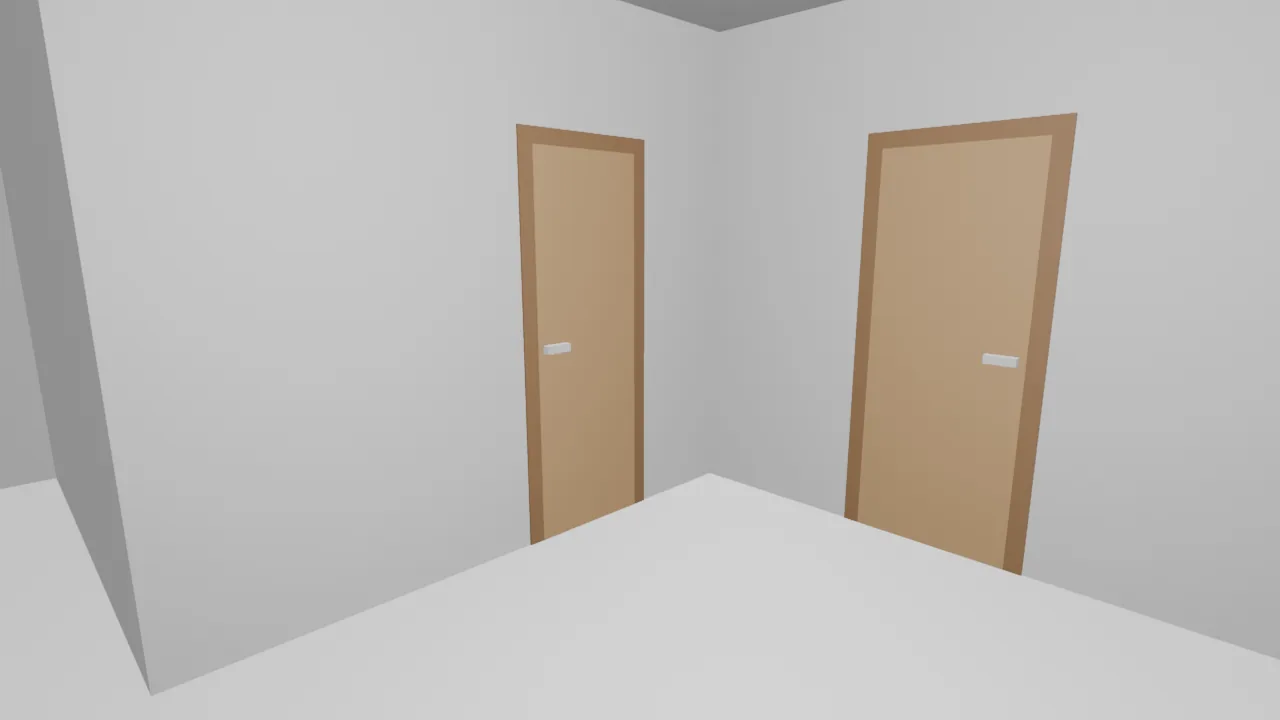
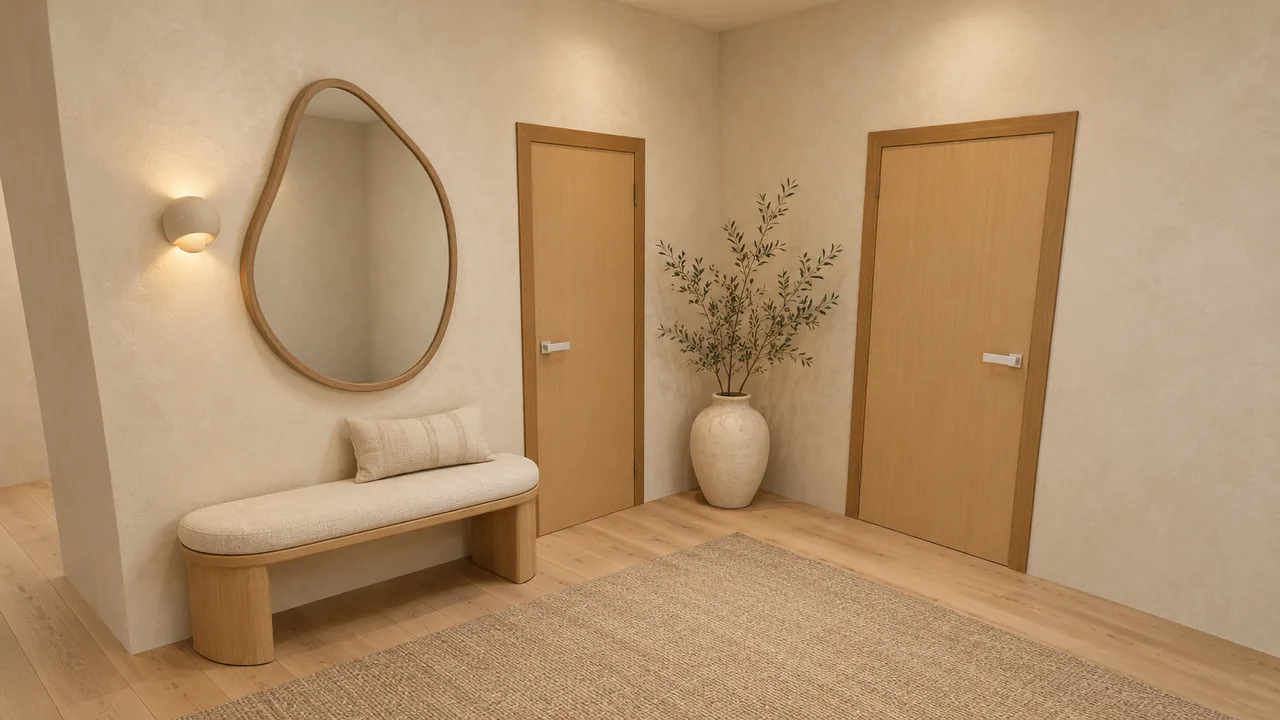
A real Roomsee run
Walk through a sample home
A sample floor plan we drew, run through Roomsee: the plan we read, the 3D model we built from it, and the photos rendered over that model.
Get my album Your plan, your walls — the same steps as this home.
How it works
From floor plan to album
About 30–40 minutes from upload. We email you when the album is ready.
-
01
Upload your plan
A plan from your builder, a listing or an architect. JPG, PNG or PDF — you can also take a photo of the plan.
-
02
We read the plan
Usually 6–13 minutes. These are the stages you see in your account:
-
03
You check the rooms
Before a single frame is rendered, you see the rooms we found on your plan and set what each one is for.
-
04
Your album
We render the rooms in the style you choose — about 25 minutes on average. The album lands in your account, and you can share it with a public link.
Styles
One style for the whole album
You choose it after we read your plan. Below: one living room in each of the nine styles — style previews.
-
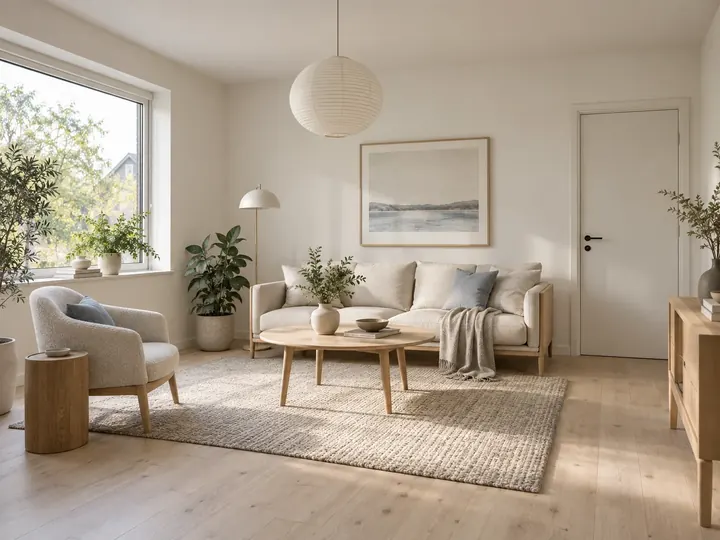
Scandinavian
-
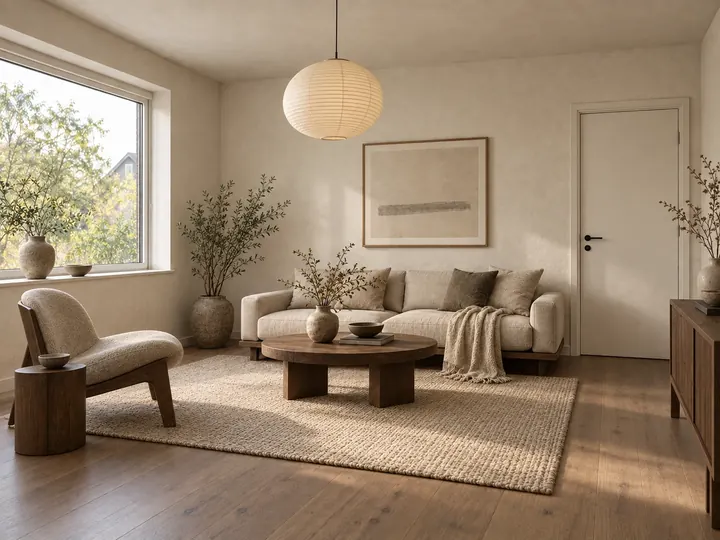
Japandi
-
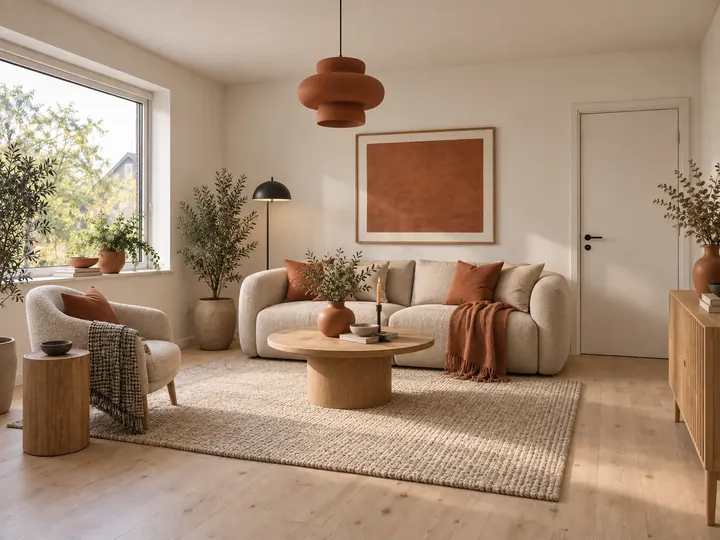
Terracotta Calm
-
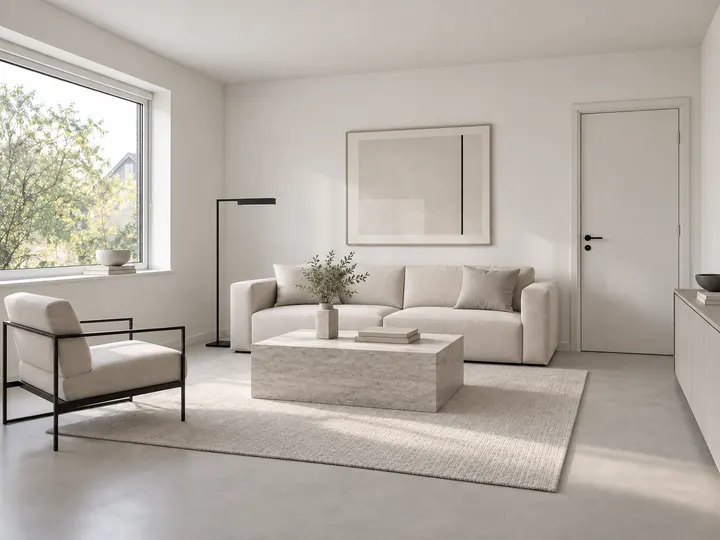
Minimalism
-
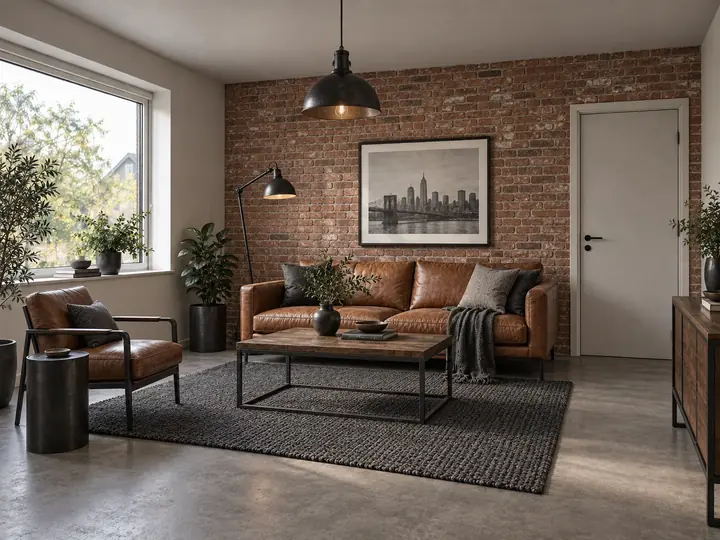
Loft
-
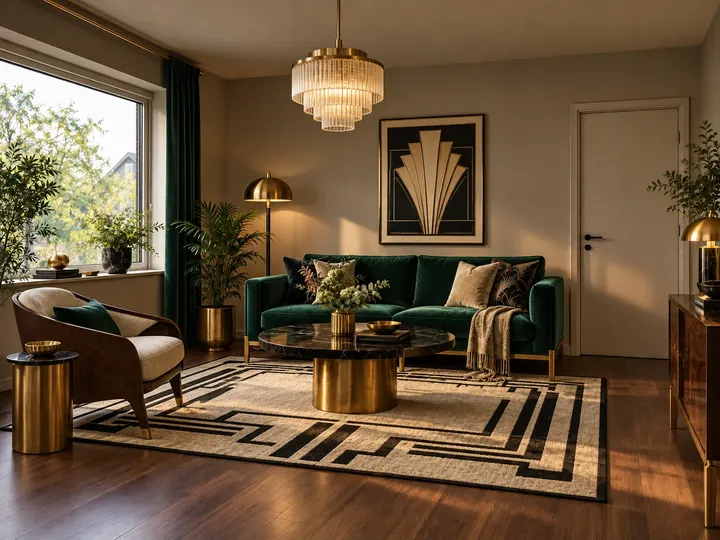
Art Deco
-
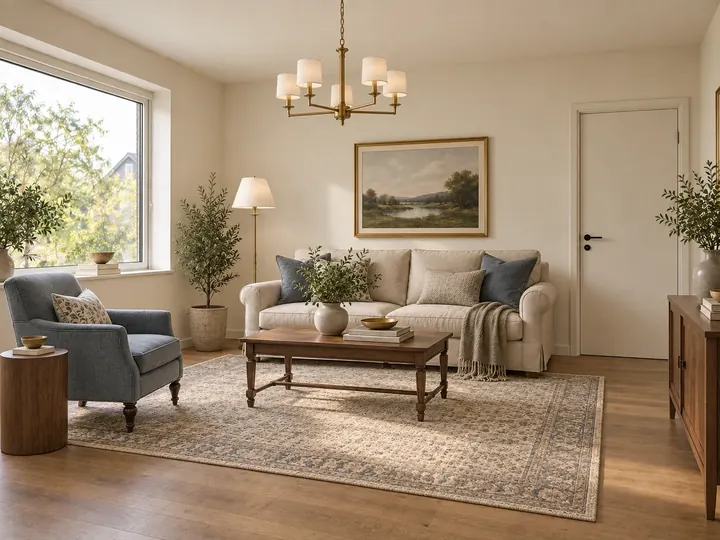
Transitional
-
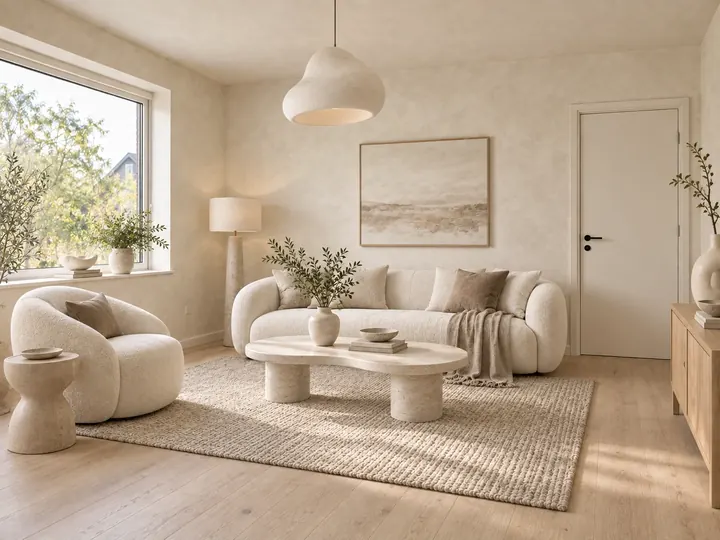
Organic Modern
-
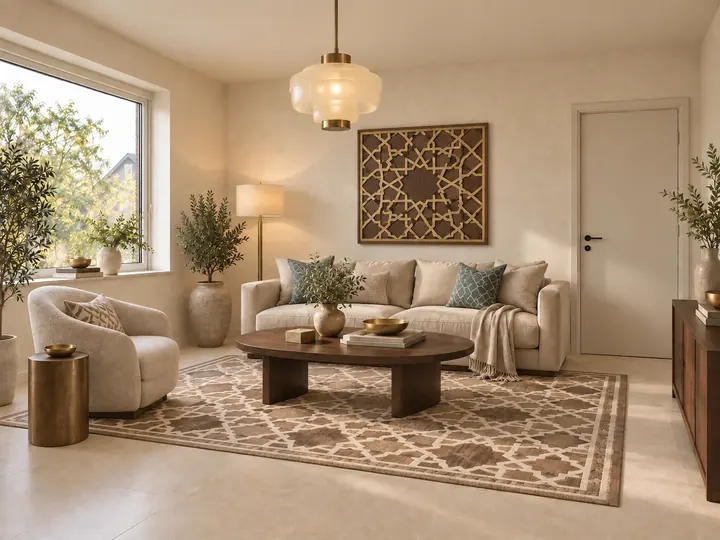
Modern Arabic
Pricing
One payment for the whole album
One-time payment · no subscription.
First album
Your full album
- Every room on your plan, in one style
- Extra renders to re-render or edit any photo
- Free re-render if a photo fails our check
- Album in your account and a link you can share
Pay → upload plan → check the rooms → album
Questions
Before you start
What kind of plan works?
A clear plan from your builder or developer, a listing or an architect. JPG, PNG or PDF — from a PDF we read the first page.
What will I get?
A photoreal frame of each room we find on your plan, rendered over 3D geometry built from your walls, windows and doors. The album lives in your account, with a link that opens anywhere — no sign-up for whoever you share it with.
How long does it take?
We read the plan in usually 6–13 minutes, then you check the rooms. Rendering takes about 25 minutes on average — about 30–40 minutes from upload in all. We email you when the album is ready.
What if a frame looks wrong?
Every frame is checked against your 3D model, and one that fails never reaches you — we retry it automatically. If a room still ends up without a frame, re-rendering it is free, up to 3 tries in all. To change a frame you already have, use your extra renders: 1 render per re-render or edit, charged only when the new frame passes the check.
Why pay before uploading the plan?
Every album is rendered from scratch for your plan, and the payment reserves that run. Before the first frame, you see how we read the plan and set what each room is for.
Your plan, your walls, your rooms
Six quick questions, then pay and upload your plan. The album is ready about 30–40 minutes after the upload.
Get my album