How to see what your new home will look like inside, using the builder's floor plan
If you are buying a home that isn't built yet, the builder's floor plan already fixes the most important thing: where the walls, windows and doors go. You can turn that plan into pictures of every room in four ways: visit a model home, ask the builder for renderings, hire a 3D artist, or upload the plan to a floor-plan-to-render service.
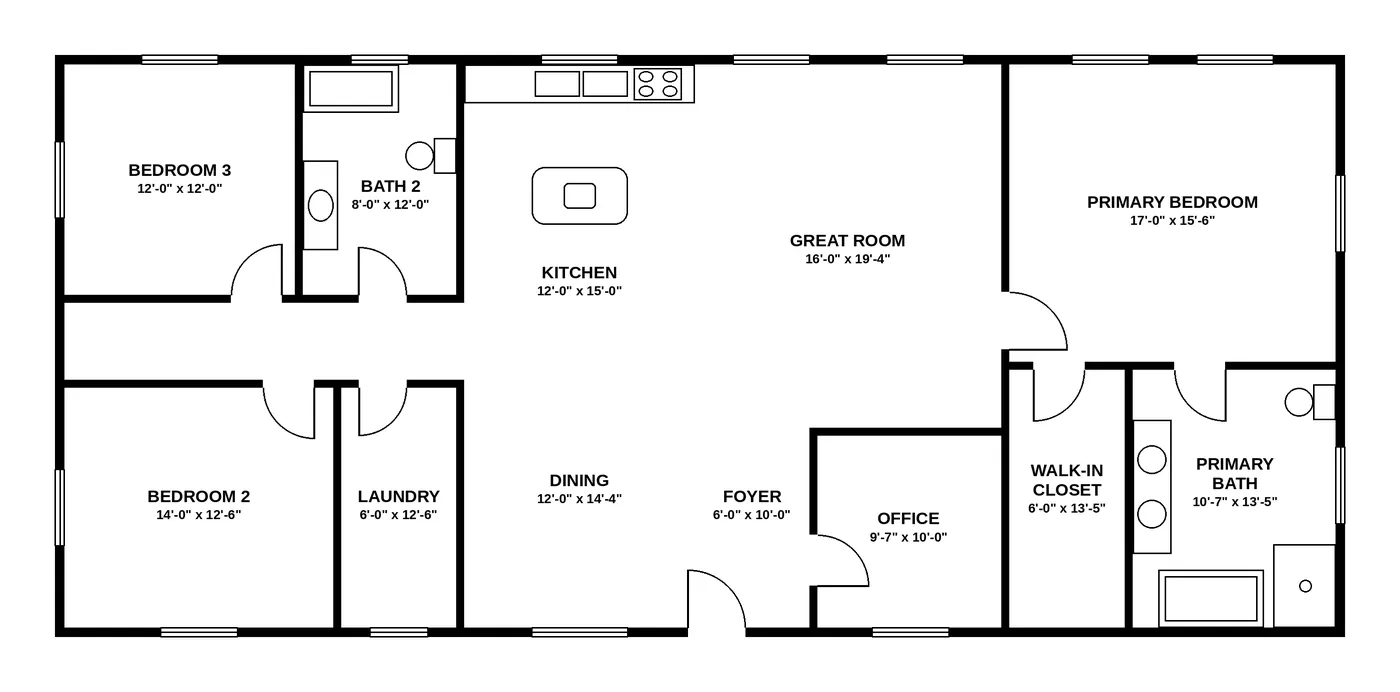
Whatever you choose, check that the pictures keep the windows and doors where the plan puts them.
What does a builder's floor plan tell you, and what doesn't it?
A floor plan is an exact drawing of the walls, but a poor picture of living in the house. It tells you:
- where every wall, window and door is, and which way the doors swing;
- the room names the builder uses (Primary Bedroom, Flex, Bonus Room, Great Room);
- usually the room dimensions and the total square footage.
It doesn't tell you how much light a room gets, whether a king bed fits with a dresser opposite, how an open kitchen, dining and living space splits into areas, or how a finish package will look together. That is what pictures are for.
What are your options before the house is built?
| Option | What you need | What you get | Matches your exact plan? |
|---|---|---|---|
| Model home | a visit | a real, furnished house | only if your plan and options are the model's |
| Builder's renderings | ask your sales rep | a few marketing images | often for the base plan, not your options |
| 3D artist or visualization studio | plan, finish choices, time for revisions | custom renderings | yes, if you brief them well |
| Floor-plan-to-render service (for example, Roomsee) | an image or PDF of the plan | a picture of every room in a chosen style | yes, if the service keeps the walls, windows and doors |
DIY 3D apps (RoomSketcher, Planner 5D and others) are a fifth path: you redraw the plan yourself and furnish it. It is cheap, but redrawing takes time, and the result is only as accurate as your redrawing.
How does turning a floor plan into room pictures work?
Here is what happens with Roomsee, as an example of the floor-plan-to-render approach:
- You upload the plan. A photo of the brochure page, a screenshot or a PDF works; for a PDF we read the first page.
- We read the plan. The service finds the walls, windows, doors and room labels, and builds a simple 3D model of the house: grey walls, no furniture.
- We place a camera in every room. Open spaces such as a kitchen, dining and living area get a camera for each zone.
- We render each room in the style you chose, on top of the 3D model, so the new image has to keep the walls, windows and doors of the model.
- We check every image against the model. An image whose openings drift is redone; if it keeps failing, the album says which room failed instead of showing an invented room.
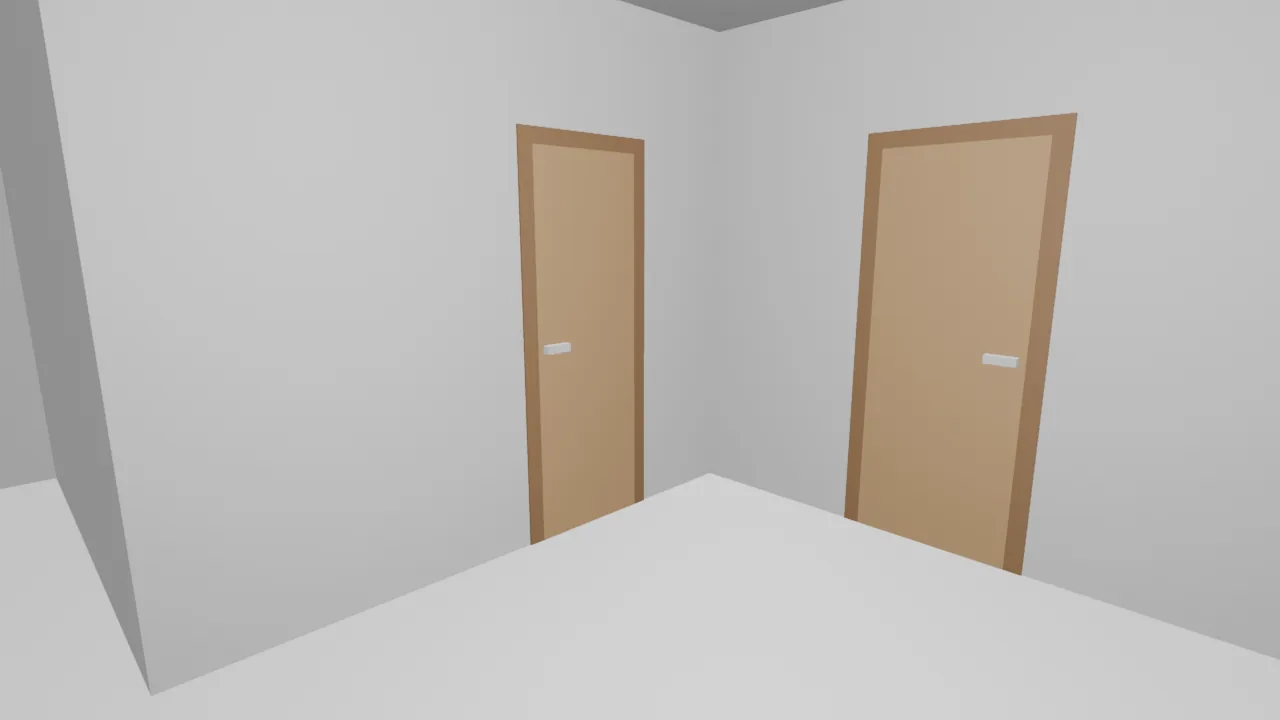
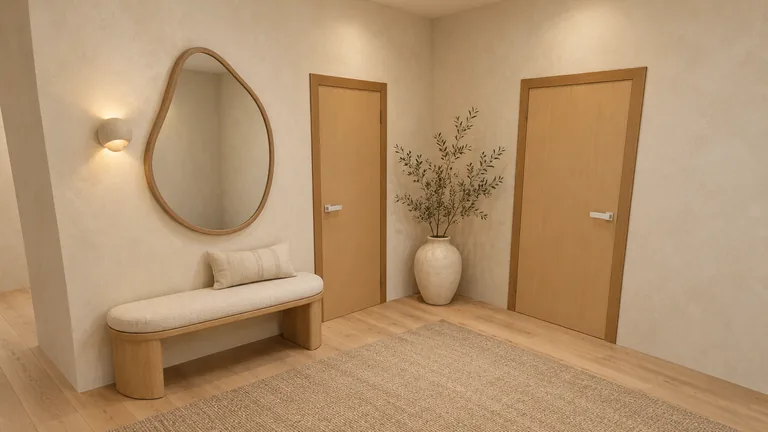
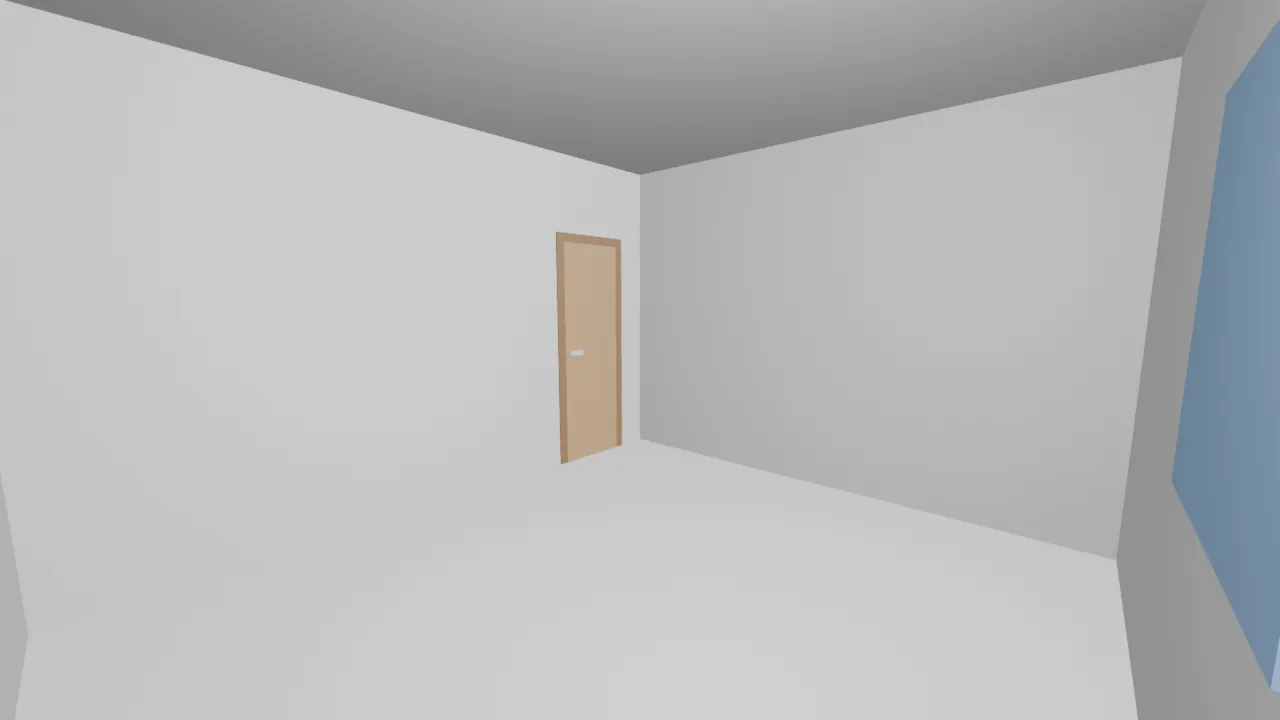
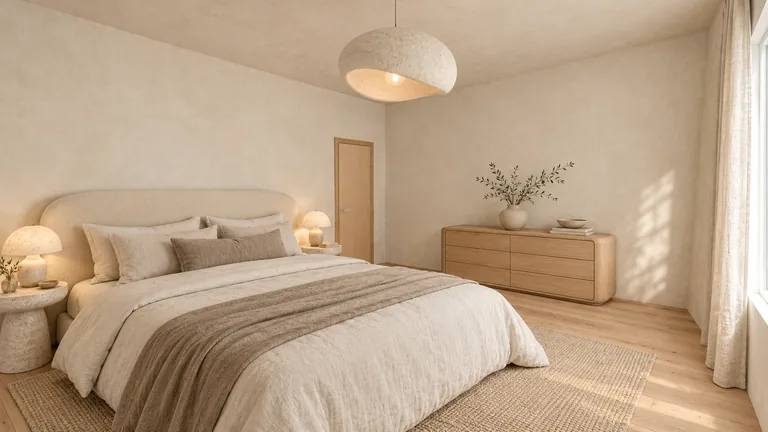
For our demo house, the plan had 9 rooms and every one of them got a picture. The open kitchen, living and entry space (about 739 sq ft) was split into 4 zones, foyer, great room, kitchen and dining, each with its own image. On Roomsee from October 18 to 31, 2026, reading a plan took a median of 8 minutes (5 plans) and rendering an album took a median of 12 minutes (3 albums). In between, you check the rooms we found.
How accurate are the pictures?
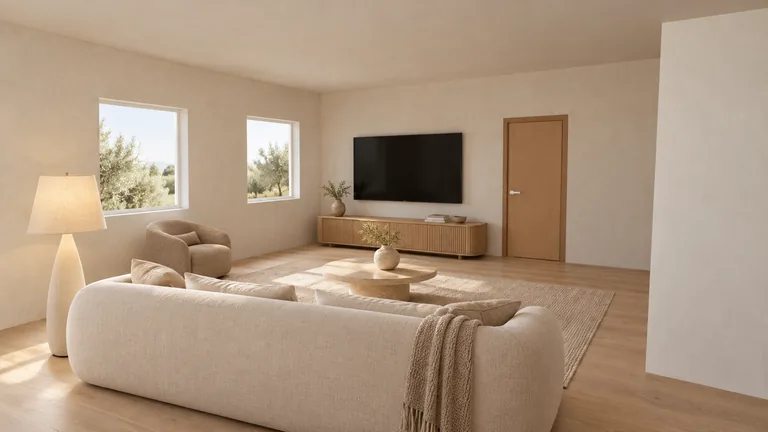
Accurate where it matters for a buyer, not to the inch. On our demo house, we laid each finished image over its 3D model and checked the edges of every door and window. In 3 of the 12 published images every edge lined up. In 7, the edge of a door or window was off by 11 to 49 pixels in the image (usually the top of a door sitting a little higher), while the opening stayed in the right wall and at the right place along it. The remaining 2 (a closet and an office) had no door or window in view to check.
What this means for you:
- Trust the layout: which wall has the window, where the door is, how big the room feels.
- Don't measure off the picture. Use the plan's dimensions for furniture.
- Furniture is a suggestion. The service places furniture that fits the room type and size; it is not your furniture.
What should you check on your plan before you upload it?
- One floor per image. Two-story plans often print the lower floor in light grey under the upper one; upload each floor separately.
- Readable room labels. Labels help the service tell a bedroom from a bonus room.
- The plan you are actually buying. If you chose an option such as an extended primary suite or a third garage bay, use the plan with that option.
- A clean image. A straight scan or screenshot works better than a photo taken at an angle.
How much does it cost?
Roomsee charges once per album, no subscription:
| Plan | Price | What's included |
|---|---|---|
| 1 style | $29.99 | every room on your plan in one style, plus 9 extra renders |
| 3 styles | $59.99 | every room in 3 styles, one album per style ($20.00 per style), plus 9 extra renders |
| 5 styles | $79.99 | every room in 5 styles, one album per style ($16.00 per style), plus 9 extra renders |
Extra renders can be used to re-render or edit any picture. Every plan also includes a free re-render if a picture fails our check, and an album link you can share with your family or designer. Prices as of November 1, 2026; see current prices.
A 3D artist usually prices per image and per revision, and builder renderings are free but limited to what the builder chooses to show. A model home is free and real, but it is someone else's options.
Sources
FAQ
Can I see what my new house will look like before it's built?
Yes. Visit a model home of the same plan, ask the builder for renderings, hire a 3D artist, or upload the floor plan to a floor-plan-to-render service. The last two show your exact plan.
What kind of floor plan file do I need?
An image (JPG or PNG) or a PDF of the plan. For a PDF, the first page is used, so put the floor you want first or upload floors one at a time.
Will the pictures show my exact finishes?
They show a style, not your builder's specific products. Use them to compare styles and see how rooms feel; check exact finishes in the builder's design center.
Are the room sizes in the pictures exact?
No picture should be used for measuring. The walls, windows and doors follow the plan, but use the plan's dimensions when you buy furniture.
How long does it take?
Reading the plan took a median of 8 minutes and rendering the album a median of 12 minutes (5 plans and 3 albums on Roomsee, October 18–31, 2026). In between, you check the rooms we found. Larger plans take longer.