Roomsee vs Virtual Staging AI: plan or room photo
Virtual Staging AI furnishes photos of rooms that already exist, in seconds, on a monthly plan. Roomsee starts from a floor plan and needs no photos, so it also works for homes that are not built yet, usually in about an hour, for a one-time $29.99. We have not bought or tested Virtual Staging AI, so everything about it here comes from its own pages, checked November 5, 2026.
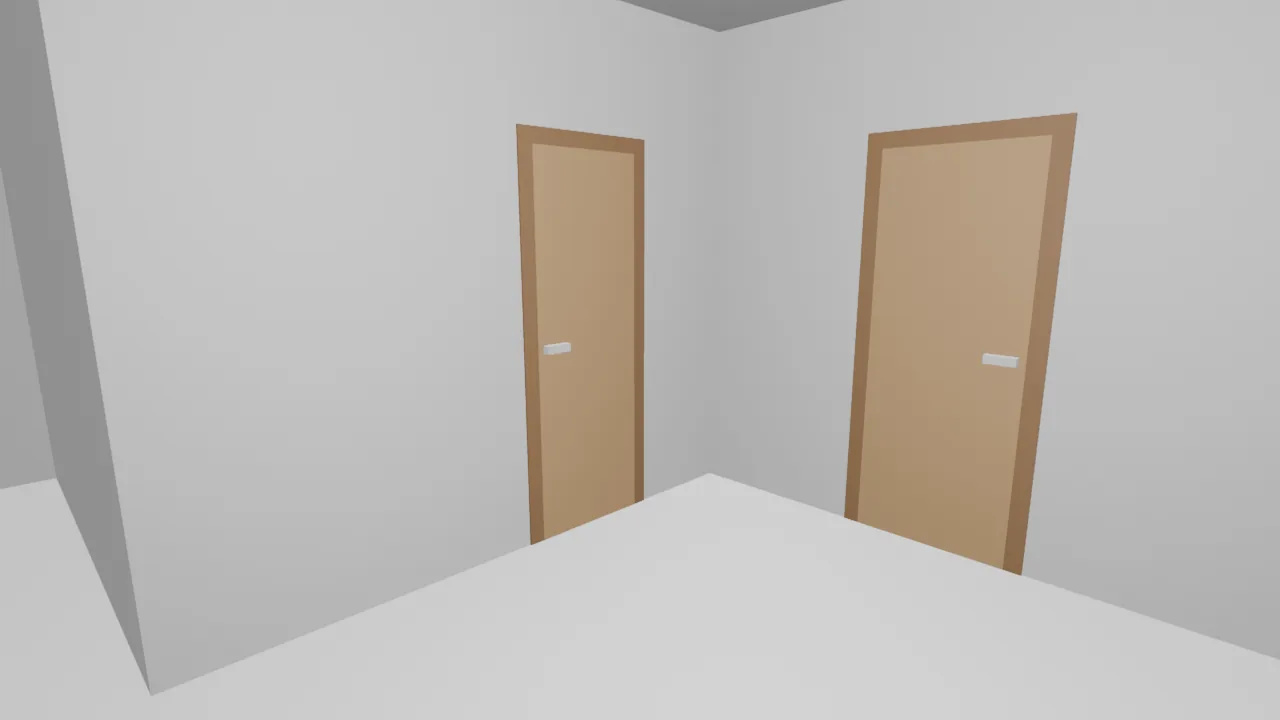
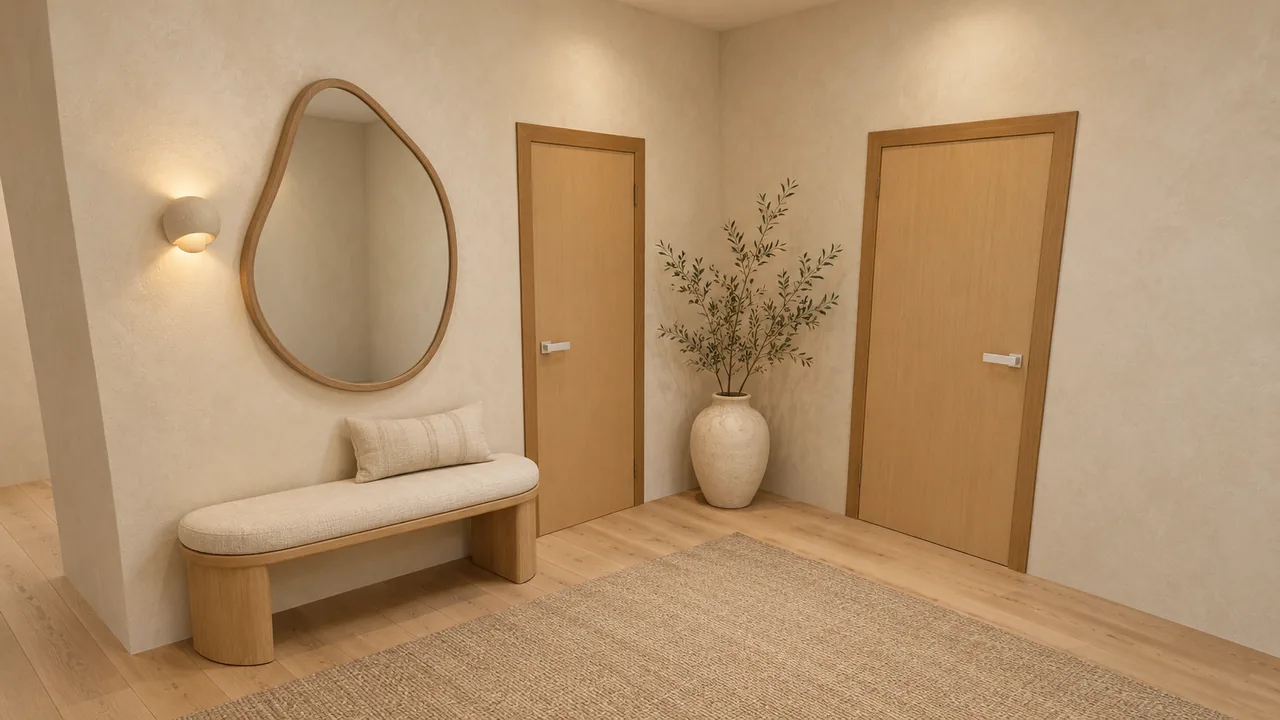
What does Virtual Staging AI offer, by its own pages?
We did not buy Virtual Staging AI. This section is what its own pages stated when we checked them on November 5, 2026. Prices and plans can change, so check the linked page before you decide.
- Plans, billed monthly: Basic $25 for 6 photos a month; Standard $35 for 20; Professional $79 for 60; Enterprise $139 for 150. With yearly billing the same plans cost $16, $19, $39 and $79 a month (pricing page).
- Input: "We support both furnished and unfurnished photos." You can try an upload with "No sign up | No credit card" (home page).
- Included on every plan: "Unlimited renders and downloads", "Furniture removal included", "No watermark".
- Speed: "10 seconds turnaround" on the pricing page and "15 seconds" on the home page.
- For: the Standard plan is labelled "For agents", and Enterprise, which includes API access, "For teams, brokerages and photographers".
What does Roomsee do instead?
- You upload the plan. After a few quick questions and payment: a JPG, PNG or PDF. From a PDF we read the first page.
- We build the 3D model. From your plan's walls, windows and doors. You check the room list.
- We render each room we find. In the style you pick. Each render is checked against the 3D model before it reaches you, and one that fails the check is redrawn automatically.
Usually about an hour from upload to album. One-time payment: $29.99 for one style, $59.99 for up to 3 styles, $79.99 for up to 5, each with 9 extra renders to re-render or edit a frame. If a frame fails our check, re-rendering it is free. More on the pipeline: floor plan to 3D render.
How do they compare side by side?
| Virtual Staging AI | Roomsee | |
|---|---|---|
| Input | A photo of a room that exists | A floor plan: JPG, PNG or PDF. No photos needed |
| Works before the home is built | Its input is a photo of the room | Yes, if you have the plan |
| Price | From $25 a month, or $16 a month billed yearly | $29.99 one-time per home, one style |
| Unit | Photos per month | One home: a render of each room we find |
| Time | 10 to 15 seconds per photo, as stated | Usually about an hour from upload |
| Furniture removal | Included | Not offered: we do not edit photos of your rooms |
Virtual Staging AI details are from its own pages, checked November 5, 2026. We have not purchased or tested it.
Do walls, windows and doors stay in place?
The two tools start from different things. With a photo, the walls, windows and doors come from the camera, and Virtual Staging AI says its AI "Leaves room layout untouched" (home page). We have not tested that claim. It also says "Fully MLS compliant: No misrepresentation". We have not checked that claim either, and the rules differ by state and by MLS.
With a plan, there is no photo to hold the walls in place. So Roomsee builds a 3D model from your plan, draws each render over it from the same camera and checks it against that model before it reaches you. Our render shows the rooms as the plan describes them, not the finishes of the actual home, so it should be labelled as a rendering.
Before you post any virtually staged image, read our note on California's AB 723 and disclosure. Roomsee does not offer an MLS export today.
Where is Virtual Staging AI better?
- You have photos of the home. Staging a real photo shows the actual room. This is what Virtual Staging AI is for, and Roomsee does not stage your photos today.
- Speed. Seconds per photo, against about an hour for our album.
- Furniture removal. It can empty a furnished room. We do not edit photos.
- Regular volume. A monthly allowance fits an agent with many listings. Roomsee is paid per home, with no team seats or bulk plan today.
- A free try. You can upload an image with no sign-up. With Roomsee you pay before you upload.
Which one should you choose?
Choose Virtual Staging AI if the home exists and you have clean photos of the rooms. Choose Roomsee if there is only a floor plan: new construction, a pre-sale, or a listing with no usable photos. More on that case: virtual staging from a floor plan.
Other comparisons: Planner 5D, RoomSketcher, Rendair, mnml.ai and all the alternatives side by side.
FAQ
Have you actually used Virtual Staging AI?
No. We have not bought or tested Virtual Staging AI. Everything here about it comes from its own pages, checked November 5, 2026.
What does Virtual Staging AI cost?
Its pricing page lists, with monthly billing, Basic at $25 for 6 photos a month, Standard at $35 for 20, Professional at $79 for 60 and Enterprise at $139 for 150. With yearly billing they cost $16, $19, $39 and $79 a month, checked November 5, 2026.
What does Roomsee cost?
$29.99 for one style covering the rooms we find on your plan, $59.99 for up to 3 styles and $79.99 for up to 5, each with 9 extra renders. It is a one-time payment per home, not a subscription. You pay before you upload the plan, and you can look at a sample home first.
Can Roomsee stage a photo of my room?
Not today. Roomsee starts from a floor plan. If you have photos of the actual rooms, a photo-based tool such as Virtual Staging AI is the better fit.
Which one should I choose?
Virtual Staging AI if the home exists and you have photos of it. Roomsee if you only have a floor plan, for example for a home that is not built yet.
See the rooms on your plan
The whole home in one style: $29.99, one-time. Usually about an hour from upload.
Upload your floor plan