AI floor plan to render tools: Roomsee and 5 alternatives
The right tool depends on what you have. With only a floor plan and no wish to direct anything, Roomsee renders each room we find. To edit a home yourself, look at Planner 5D or RoomSketcher. To direct each image, look at Rendair or mnml.ai. To stage photos of existing rooms, look at Virtual Staging AI.
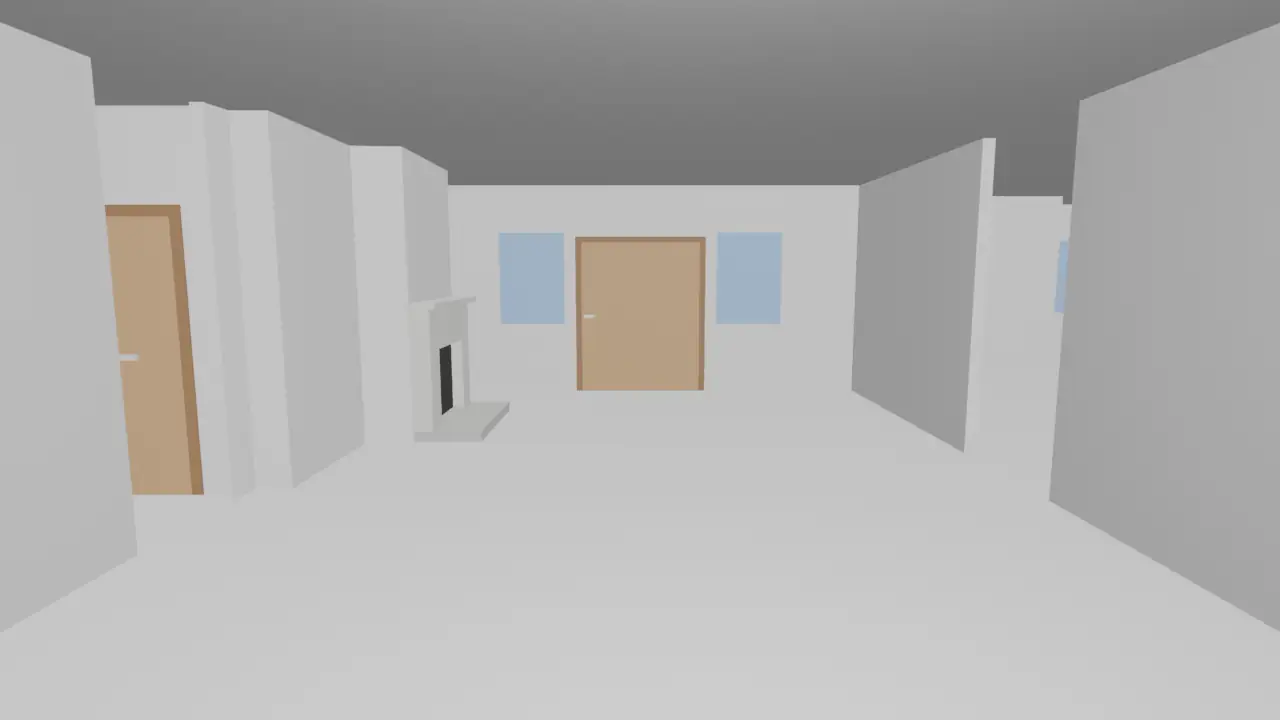
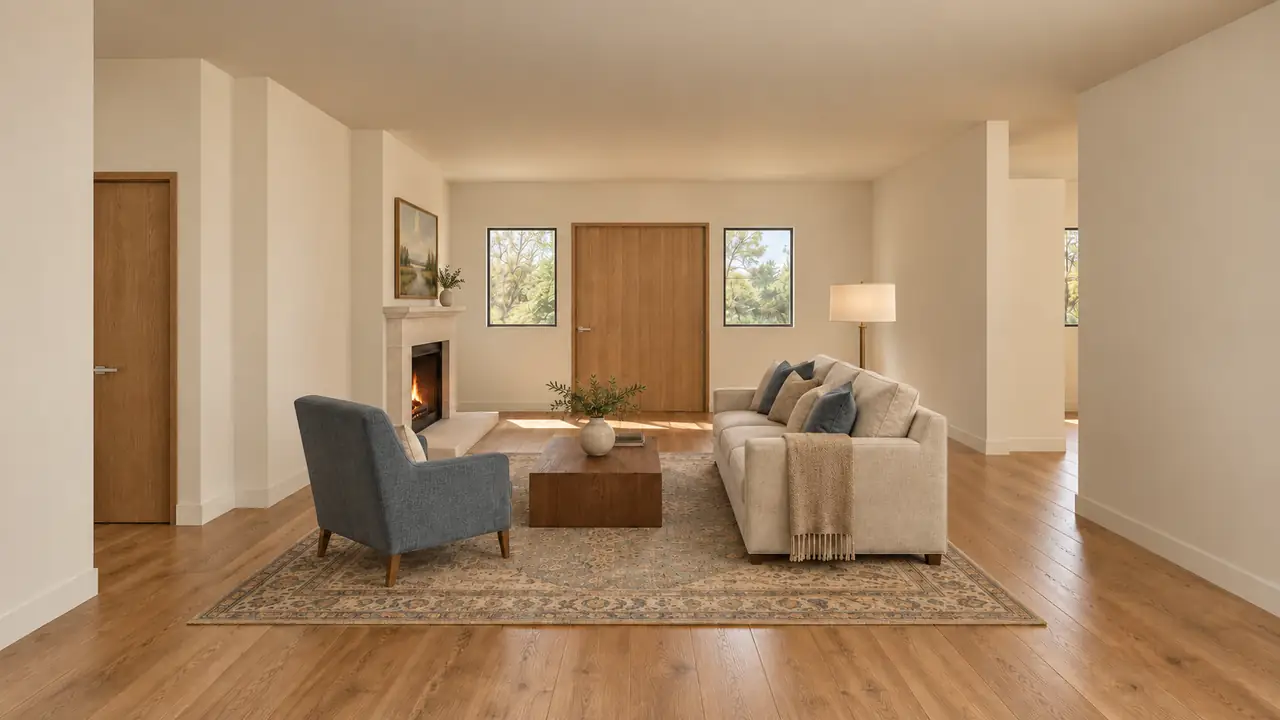
We are Roomsee, so read this as our view. We have not bought or tested these tools, and every fact about them comes from their own pages, checked November 5, 2026.
How do these tools compare?
| Tool | Best for | Input | Starts at |
|---|---|---|---|
| Planner 5D | Designing and editing a home yourself | Plan, drawing or room photo | Free; Premium $19.99 a month |
| RoomSketcher | Editable, to-scale floor plans | Plan or drawing | Free; Pro $24 a month |
| Rendair | Design professionals directing each image | CAD, PDF, images, 3D models | From $19 a month; 20 free credits |
| mnml.ai | Architects directing each image | CAD, scans, sketches, photos | From $29 a month; 100 free credits |
| Virtual Staging AI | Staging photos of existing rooms | Room photos | From $25 a month |
| Roomsee | A render of each room we find, from a plan alone | Floor plan: JPG, PNG or PDF | $29.99 one-time per home |
Competitor prices are monthly-billing prices from each company's own pricing page, checked November 5, 2026. Yearly billing is lower on most of them. Open a comparison for the sources.
What does each tool say about walls, windows and doors?
- mnml.ai: "Wall positions, room boundaries and proportions stay exactly as drawn" (floor plans page).
- Rendair: "Rendair keeps the layout of your drawing", and "sizes are never guaranteed to be exact" (FAQ).
- Virtual Staging AI: "Leaves room layout untouched" (home page). Its input is a photo of the room.
- Planner 5D: AI Studio can restyle interiors "while preserving room layout and structure" (pricing page). In the editor, you control the walls.
- RoomSketcher: AI Render works "while your original floor plan stays intact" (AI Render page). In the app, you control the walls.
- Roomsee: walls, windows and doors stay where your plan puts them. We build a 3D model from the plan, draw each render over it from the same camera and check it against that model before it reaches you.
These are each company's own statements, ours included. We have not run one plan through all of them, so this page does not rank them on accuracy.
Which one fits your situation?
- You have a plan and no time: Roomsee returns a render of each room we find with nothing to direct. It usually takes about an hour.
- You want to change the layout or furniture: Planner 5D or RoomSketcher. Roomsee has no plan editor.
- You need a measured floor plan: RoomSketcher. Roomsee does not make floor plans.
- You work in design software: Rendair or mnml.ai.
- The home exists and you have photos: Virtual Staging AI. Roomsee does not stage your photos today.
- You want a person's judgment: Havenly or a local interior designer.
What does Roomsee not do today?
We do not offer a plan editor, staging of your own room photos, 360° tours, video, MLS export, team seats or a free trial on your own plan. If you need one of these, a tool above is the better choice. To see what you do get, open our sample home.
FAQ
Have you tested these tools?
No. We have not bought or tested any of them. Every fact here comes from the company's own pages, checked November 5, 2026, and each comparison page links to its sources.
Which tool works from a floor plan?
Planner 5D, RoomSketcher, Rendair, mnml.ai and Roomsee all accept an uploaded floor plan. Virtual Staging AI works from photos of rooms.
Which tool is fastest?
By their own statements, Virtual Staging AI takes 10 to 15 seconds per photo and Rendair renders in seconds. Roomsee usually takes about an hour for the album, so it is the slower option.
Is there a free way to try these?
Planner 5D and RoomSketcher have free plans, Rendair and mnml.ai give free credits, and Virtual Staging AI lets you try an upload with no sign-up. Roomsee has no free trial on your own plan: you pay before you upload, and you can look at a sample home first.
What does Roomsee cost?
$29.99 for one style covering the rooms we find on your plan, $59.99 for up to 3 styles and $79.99 for up to 5, each with 9 extra renders. It is a one-time payment per home, not a subscription. You pay before you upload the plan, and you can look at a sample home first.
Have a floor plan? See the rooms
The whole home in one style: $29.99, one-time. Usually about an hour from upload.
Upload your floor plan