Roomsee vs Rendair: floor plan to render, compared
Rendair is an AI workspace for architects, interior designers and builders: you direct each render yourself, in seconds, from plans, models or images. Roomsee takes a floor plan and returns a render of each room we find, usually in about an hour, for a one-time $29.99, with nothing to direct. We have not bought or tested Rendair, so everything about it here comes from its own pages, checked November 5, 2026.
What does Rendair offer, by its own pages?
We did not buy Rendair. This section is what its own pages stated when we checked them on November 5, 2026. Prices and plans can change, so check the linked page before you decide.
- Plans: Starter at $19 a month with 500 credits; Pro at $49 with 1,500 credits and 2 members; Studio Pro at $199 with 7,500 credits and 5 members; Enterprise on request. Yearly billing gives 2 months free, and you can start free with 20 credits (pricing page).
- Input: "Import your floor plan from AutoCAD, Revit, PDF, or any image format." Rendair says its AI "builds a complete 3D space with walls, rooms, and furnishings based on your layout" (floor plan tool page).
- Output: Pro and Studio Pro "can generate up to 4 images per run", and many image models create 1K, 2K or 4K images. Floor Plan to 3D Model gives a GLB file you can download (FAQ). Plans also include video credits.
- Speed: "From 2D plans to 3D visualizations in seconds."
- For: "Architects, interior designers and builders" (home page).
What does Roomsee do instead?
- You upload the plan. After a few quick questions and payment: a JPG, PNG or PDF. From a PDF we read the first page.
- We build the 3D model. From your plan's walls, windows and doors. You check the room list.
- We render each room we find. In the style you pick. Each render is checked against the 3D model before it reaches you, and one that fails the check is redrawn automatically.
Usually about an hour from upload to album. One-time payment: $29.99 for one style, $59.99 for up to 3 styles, $79.99 for up to 5, each with 9 extra renders to re-render or edit a frame. If a frame fails our check, re-rendering it is free. More on the pipeline: floor plan to 3D render.
How do they compare side by side?
| Rendair | Roomsee | |
|---|---|---|
| What it is | An AI workspace for design professionals | A service that returns a finished album |
| Price | From $19 a month; free start with 20 credits | $29.99 one-time per home, one style |
| Input | AutoCAD, Revit, PDF, images, 3D models | A floor plan: JPG, PNG or PDF |
| Who runs it | You pick the view, the style and the prompt | We choose the rooms and cameras from your plan |
| Output | Up to 4 images per run on Pro; video; GLB model | A render of each room we find, a 3D model, and a link to share |
| Time | "In seconds", per Rendair | Usually about an hour from upload |
Rendair details are from its own pages, checked November 5, 2026. We have not purchased or tested it.
Do walls, windows and doors stay in place?
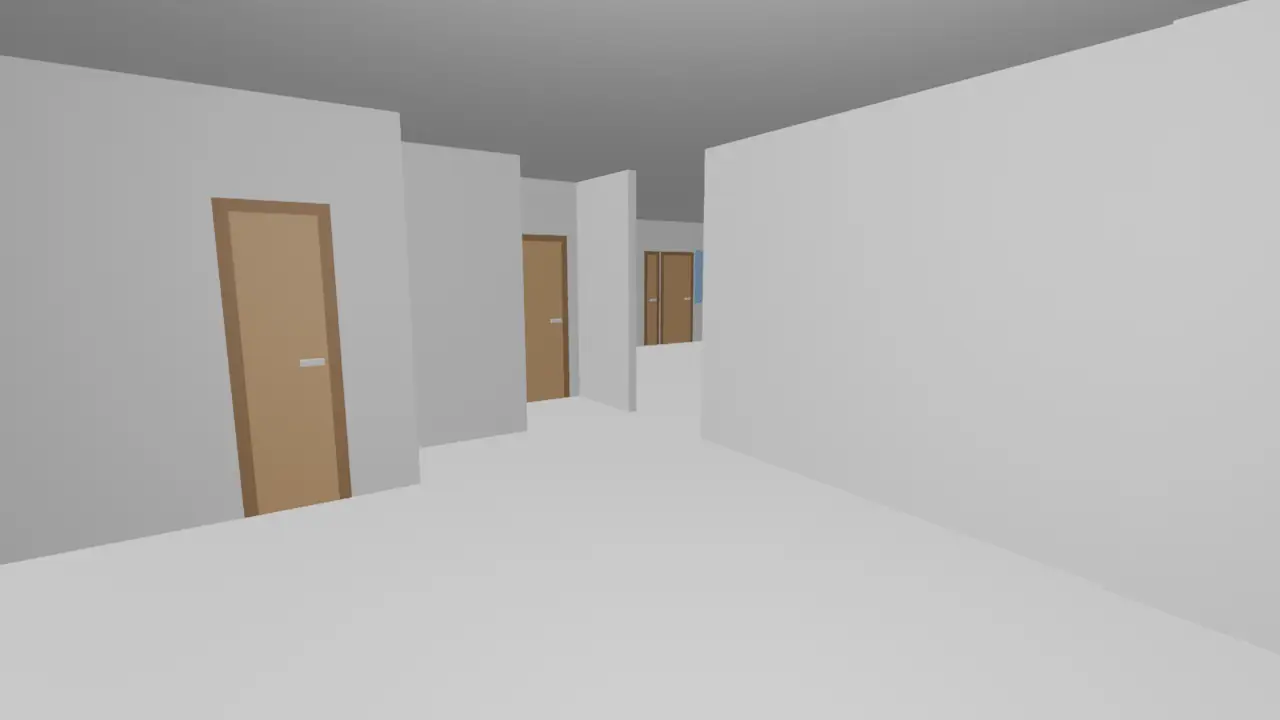
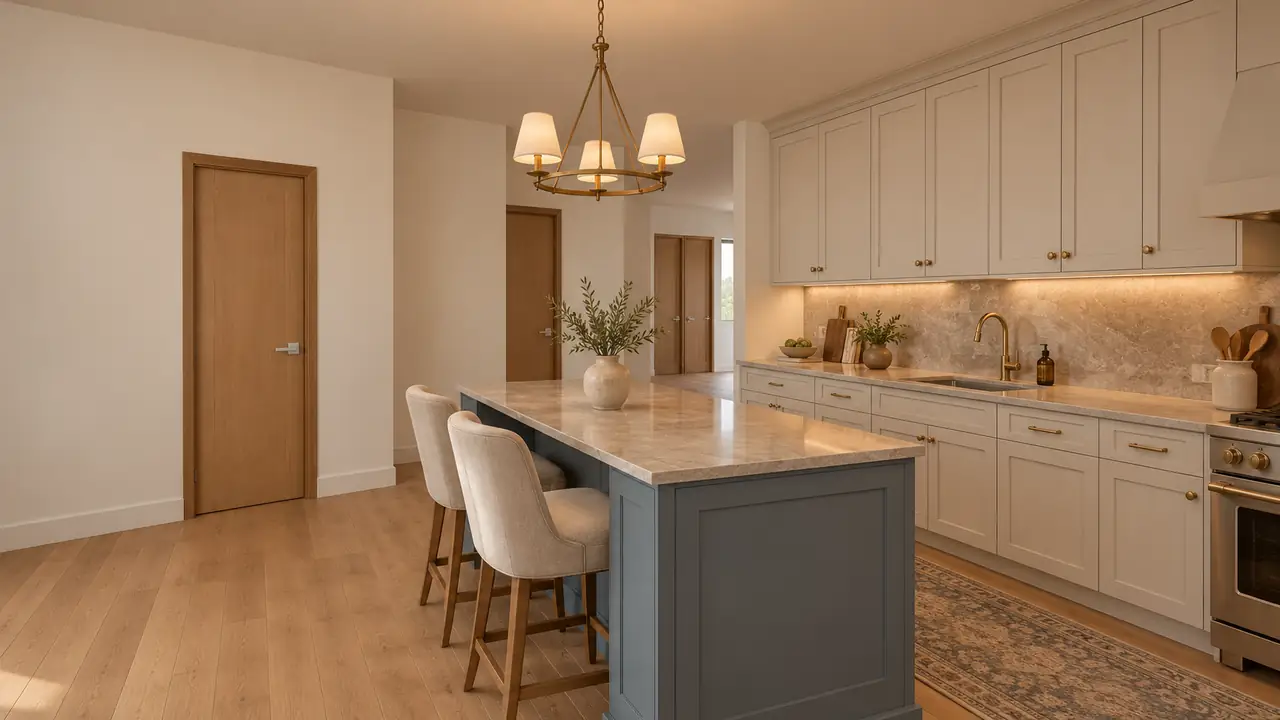
Both companies speak to this. Rendair's FAQ says "Rendair keeps the layout of your drawing" and also that it "creates images, not measured drawings, so sizes are never guaranteed to be exact" (FAQ). The same is true of Roomsee: our renders are not measured drawings either.
Our promise is that walls, windows and doors stay where your plan puts them. We build a 3D model from the plan first, draw the render over that model from the same camera, and check it against the model before it reaches you. A frame that fails is redrawn automatically.
We have not run the same plan through both tools, so we cannot say whose result holds the walls better. You can test it yourself: render one room in Rendair with its free credits and compare doors and windows with your plan. To check ours, look at the model and render pair in our sample home.
Where is Rendair better?
- Speed. Rendair states seconds per render. Roomsee usually takes about an hour for the album.
- Control. You choose the view, the style and the prompt for each image. Roomsee chooses the cameras.
- Video and a 3D file. Rendair lists video and a GLB download. Roomsee has no video today and no 3D file to download.
- More inputs. AutoCAD and Revit plans, 3D models and images. Roomsee takes a floor plan only.
- A free start. 20 credits with no card. With Roomsee you pay before you upload.
- Teams. Pro and Studio Pro include members. Roomsee has no team seats.
Which one should you choose?
Choose Rendair if you work with design software and want to direct each image. Choose Roomsee if you have a plan, no design tools, and want the whole home back without writing a prompt or setting a camera.
Other comparisons: Planner 5D, RoomSketcher, mnml.ai, Virtual Staging AI and all the alternatives side by side.
FAQ
Have you actually used Rendair?
No. We have not bought or tested Rendair. Everything here about it comes from its own pages, checked November 5, 2026.
What does Rendair cost?
Rendair's pricing page lists Starter at $19 a month, Pro at $49, Studio Pro at $199 and custom Enterprise, with 2 months free on yearly billing and a free start with 20 credits, checked November 5, 2026.
What does Roomsee cost?
$29.99 for one style covering the rooms we find on your plan, $59.99 for up to 3 styles and $79.99 for up to 5, each with 9 extra renders. It is a one-time payment per home, not a subscription. You pay before you upload the plan, and you can look at a sample home first.
Does Rendair keep walls in place?
Rendair says it "keeps the layout of your drawing" and that sizes are "never guaranteed to be exact". We have not tested this. We have not run the same plan through both tools, so we make no claim about which holds walls better.
Which one should I choose?
Rendair if you want fast control over each image and work with design software. Roomsee if you want a render of each room we find on your plan without directing anything.
See the rooms on your plan
The whole home in one style: $29.99, one-time. Usually about an hour from upload.
Upload your floor plan