Virtual staging from a floor plan: listing renders without photos
Yes, you can virtually stage a home from its floor plan alone, with no photos of empty rooms: upload the plan and Roomsee renders a photoreal, furnished image of every room, with walls, windows and doors where the plan puts them. One style for the whole home costs $29.99 and takes about 20 minutes. In a listing, label every render as virtually staged, for example “Virtually staged — artist’s impression”.
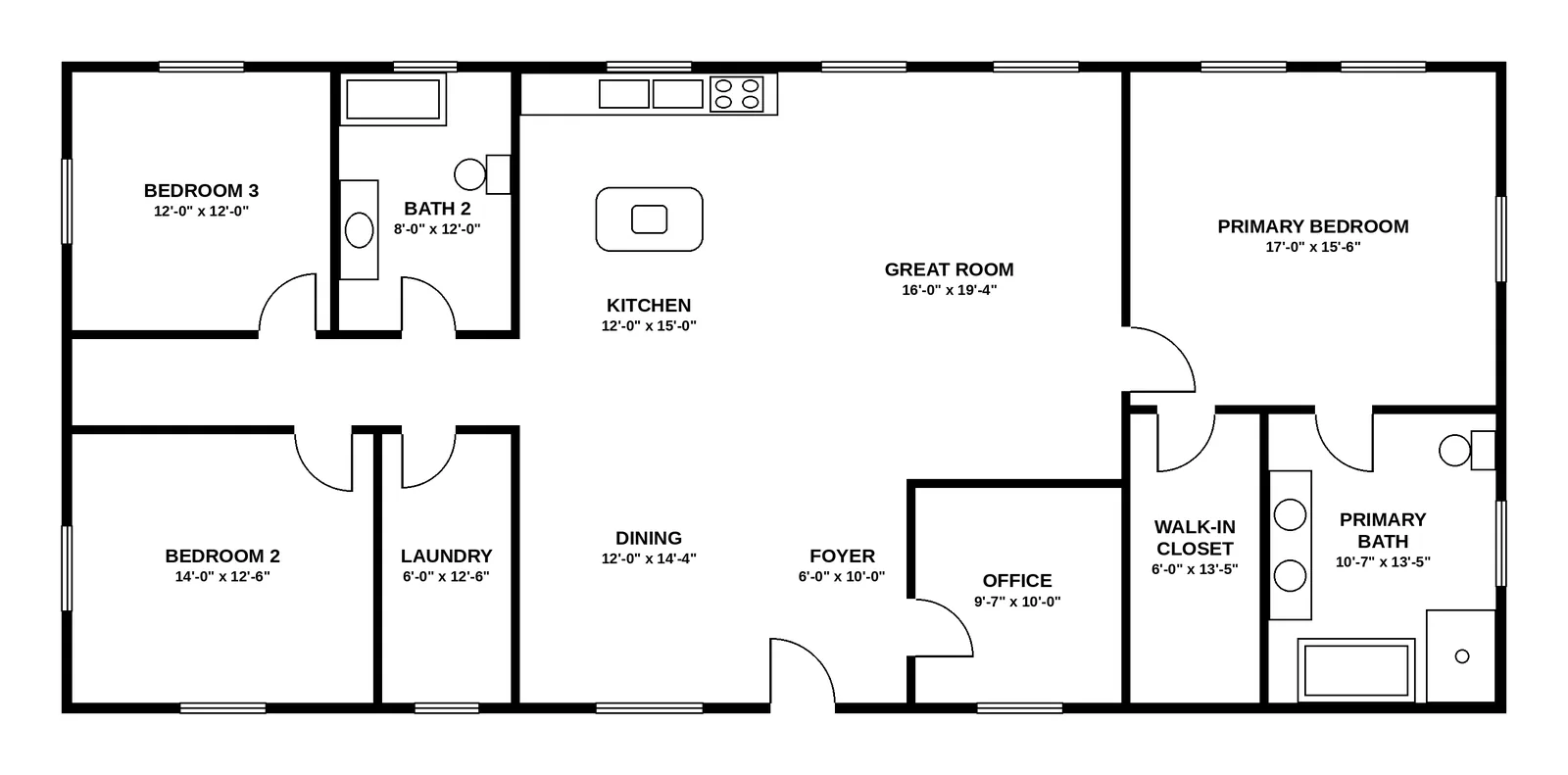
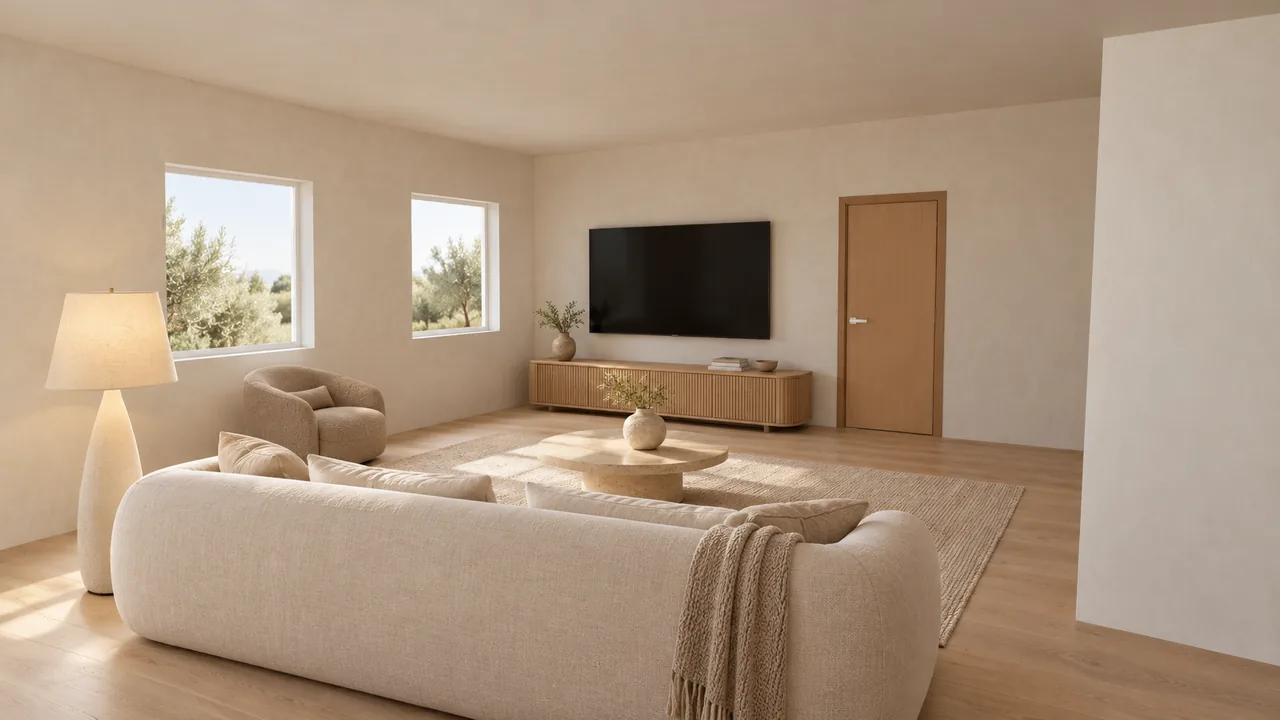
How is this different from photo-based virtual staging?
Photo-based virtual staging starts with photos of empty rooms. Someone shoots the home, and furniture is added to each photo, usually at a price per photo. It needs rooms that are finished and empty. Staging from a floor plan starts with the drawing: we build a grey 3D model of every room and render each room over it, so you can stage a home before it is built, or before anyone has photographed it.
| Photo-based virtual staging | Staging from a floor plan (Roomsee) | |
|---|---|---|
| What you start with | Photos of the empty rooms | The floor plan (JPG, PNG or PDF) |
| Works before the home is built | No | Yes |
| Floors, finishes, light, window views | Real, from the photo; only the furniture is added | A suggestion in the style you pick, not the real ones |
| Rooms covered | The rooms you photograph | Every room we find on the plan |
| How it is priced | Usually per photo | Per home: $29.99 for one style |
| Label in a listing | Yes, as virtually staged | Yes, as virtually staged or an artist’s impression |
If the home is built and empty, also weigh real staging. We compare the costs in virtual staging vs real staging cost.
How do you use floor-plan renders in a listing, on the MLS and on social media?
- Label every render. Put the label on the image or right next to it: “Virtually staged — artist’s impression”. For a home that is not built yet, add that too, for example “Rendered from the floor plan — home not yet built”.
- Know your state’s rule. In California, AB 723 requires a disclosure for digitally altered listing images. We explain what it asks for in virtual staging a home that isn’t built yet: AB 723 and MLS rules for renderings.
- Check your MLS. MLS rules vary: some limit what can go in the photo slots or how a label must look. Read yours before you upload.
- Keep the label on social media. Use the same words in the post caption, and don’t crop a label off the image.
- Show the plan next to the renders. Buyers can see what the drawing fixes (walls, windows, doors) and what is only a suggestion (furniture, finishes).
This is general information, not legal advice. Which images to make and where each one goes: how to market a new-construction listing with renders.
What do you get for one home?
- A render of every room we find on the plan, in the style you pick. An open kitchen, dining and living area is split into zones, and each zone gets its own render.
- A 3D view of the home that you and your clients can turn in the browser.
- A Download photo button on every render, for the MLS, the listing page and social media.
- 9 extra renders to re-render or edit any image.
- A link to share the album. Whoever opens it does not need to sign up.
| Plan | Price (USD, one-time) | What you get |
|---|---|---|
| 1 style | $29.99 | Your full album + 9 extra renders |
| 3 styles | $59.99 | 3 full albums of the home to compare + 9 extra renders |
| 5 styles | $79.99 | 5 full albums of the home to compare + 9 extra renders |
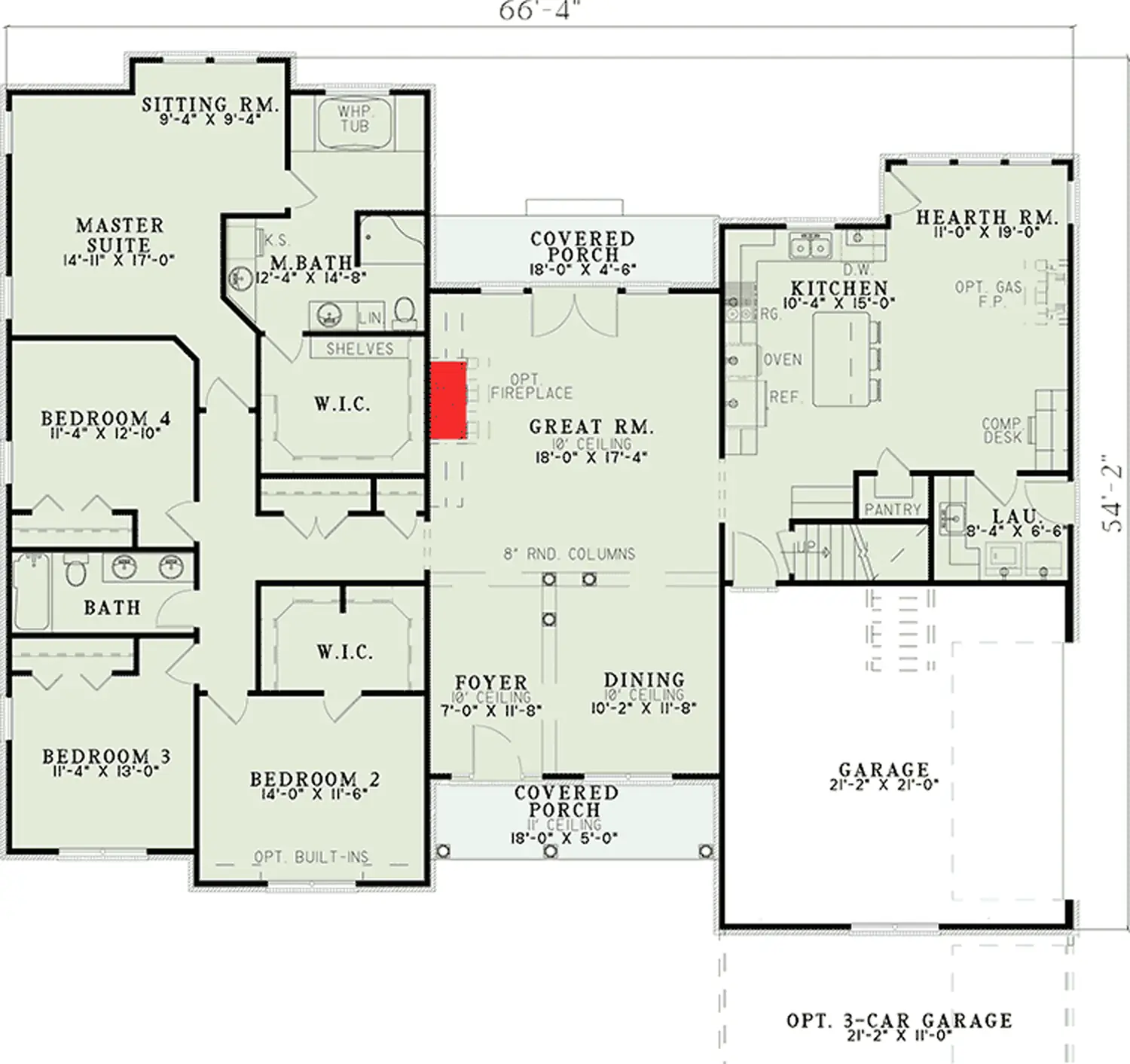
It takes about 20 minutes from upload; a bigger home takes longer (our 4-bedroom ranch took about 32 minutes). There is no 3D or CAD file to download, and the renders don’t name products or stores.
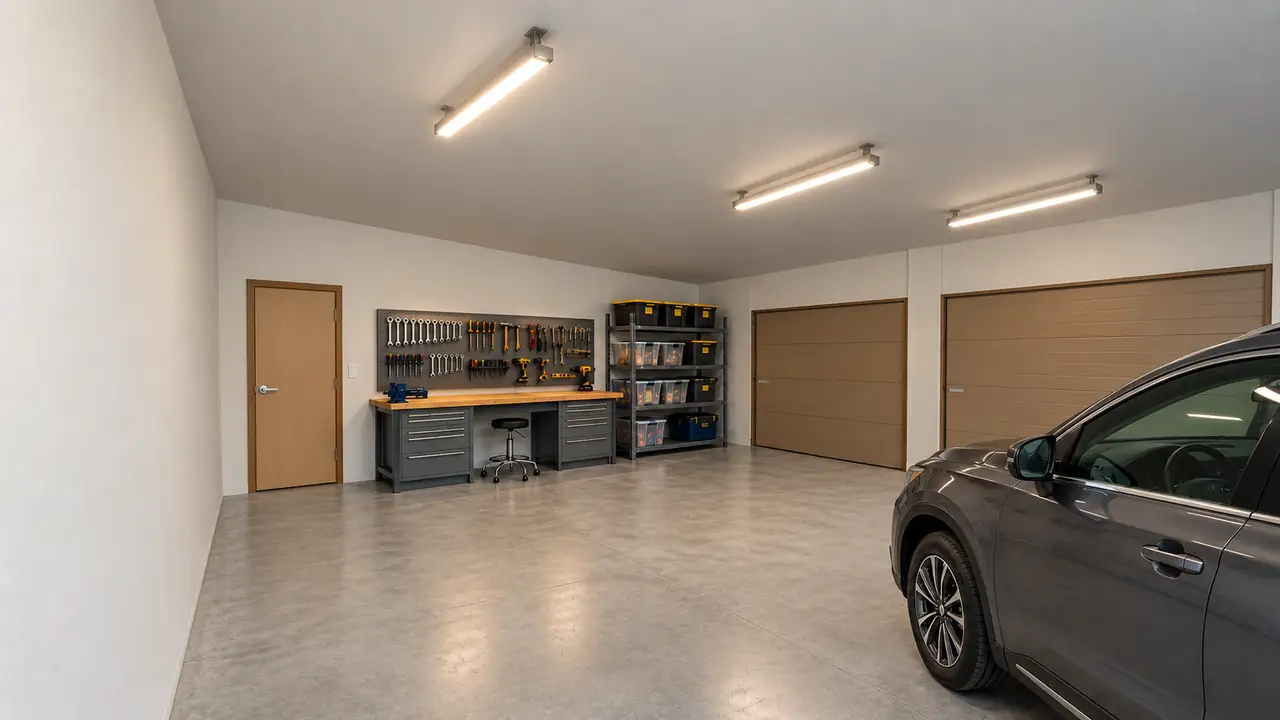
Another home from the same kind of run
What are the limits?
- It is a rendering, not a photo. Never present it as a photo of the actual home.
- Finishes are not the builder’s spec. Floors, cabinets, fixtures and colors are a suggestion in the chosen style. If the builder has fixed selections, say in the caption that finishes may differ.
- Light and views are invented. What you see through a window is not the real view from the lot.
- The 3D model follows what we read on the plan. An unclear plan can give a wrong room, which is why you check the room list before rendering. In our ranch run, the model closed an open porch with walls, and its render reads as an enclosed room.
How the plan becomes a 3D model and a render, step by step: floor plan to 3D render.
FAQ
Do I need photos of the empty rooms?
No. The floor plan is the only thing you upload: a JPG, PNG or PDF, and from a PDF we read the first page. That is why it works for a home that is not built yet.
How should I label the renders in my listing?
Put a clear label on each image or right next to it, such as “Virtually staged — artist’s impression”. For a home that is not built yet, say that too. Rules differ by state and by MLS; in California, AB 723 requires a disclosure for digitally altered listing images. This is general information, not legal advice.
Can I show the same home in more than one style?
Yes. The 3-style plan ($59.99) and the 5-style plan ($79.99) give you a full album of the home in each style, plus 9 extra renders.
Can I download the renders for the MLS and social media?
Yes. Every render in the album has a Download photo button. There is no 3D or CAD file to download.
The home is built and empty. Should I stage it from the floor plan?
You can, but the renders show suggested finishes and light, not the real rooms. If you can take photos of the empty rooms, photo-based virtual staging keeps the real floors, windows and light.
Stage a listing from its floor plan
One style for every room: $29.99, one-time. About 20 minutes from upload.
Upload your floor plan