How to turn a floor plan into a 3D render: 4 ways compared (2026)
There are four main ways to turn a 2D floor plan into a 3D render: convert it yourself in a 3D planner such as RoomSketcher or Planner 5D, hire a rendering studio, upload it to an AI tool that renders from the plan, or, once the home is built and photographed, stage the photos with AI. A planner is cheapest but costs your time, a studio charges hundreds per image, and AI plan tools take seconds to a day.
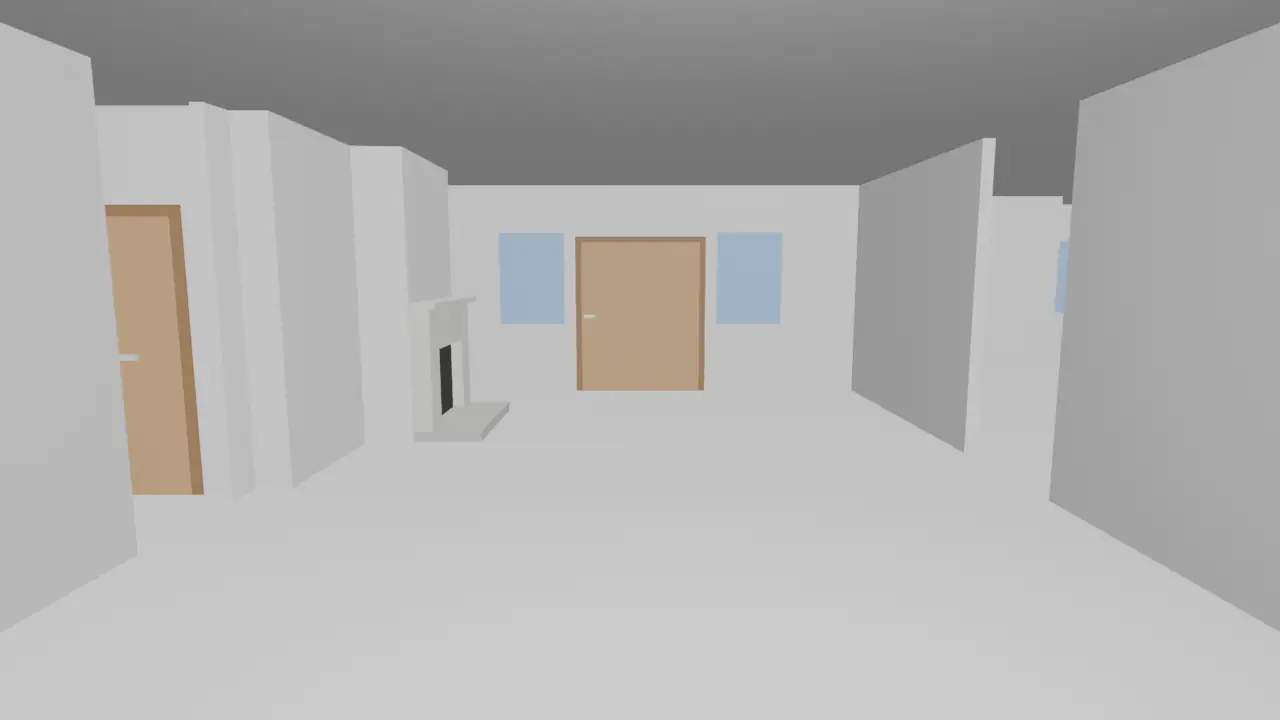
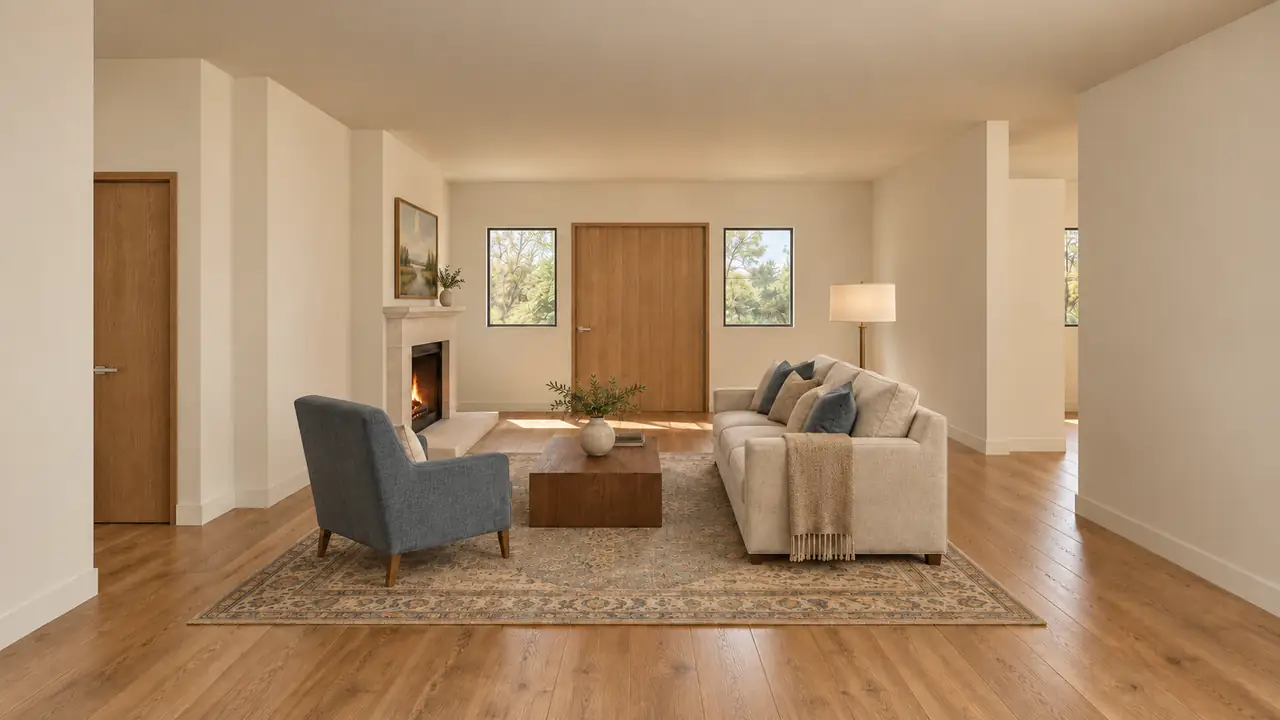
We make Roomsee, one of the AI plan tools below, so keep that in mind. We did not test the other products on a plan. Everything about them comes from each vendor's own public pages, checked November 1, 2026; prices change, so check before you buy.
Which way fits which job?
| Way | What you need | What you get | Typical price (checked Nov 1, 2026) | Time | Best for |
|---|---|---|---|---|---|
| DIY 3D planner (RoomSketcher, Planner 5D, Floorplanner) | The plan as an image or PDF, or your own measurements | An editable 2D/3D plan you furnish yourself, plus 3D views and renders | Free tiers; RoomSketcher Pro $12 a month billed yearly; Planner 5D Premium $19.99 a month | Your own time: the conversion is quick, furnishing every room is manual | Moving walls, testing layouts, measuring furniture |
| 3D rendering studio (e.g. Bella Virtual, BoxBrownie) | Dimensioned plans, elevations and a finish list | Artist-made renders, one room from one angle per image | $550 per interior image at Bella Virtual; from €245 per render at BoxBrownie | 1–2 weeks (Bella Virtual); within 2 weeks (BoxBrownie) | Builders and developers who need exact finishes and print quality |
| AI render of the whole plan (Render a House, mnml.ai) | A clean plan image | One furnished top-down or perspective image of the plan | Free daily or signup credits; Render a House Pro $39 a month; mnml.ai from $29 a month | Seconds to a minute per image | Fast concept images and one listing visual of the layout |
| AI render of every room (Roomsee, GenRoom, Getfloorplan) | The plan as an image or PDF | A photo-style render of each room at eye level | Roomsee $29.99 per home in one style; GenRoom packs from €9.99; Getfloorplan $69 with renders | About 20 minutes (Roomsee); about a minute for the top view (GenRoom); 24 hours (Getfloorplan) | Seeing every room furnished before it is built |
| AI photo staging (e.g. Virtual Staging AI) | Photos of the empty rooms | Your photos with furniture added | Virtual Staging AI from $16 a month for 6 photos, billed yearly | About 10 seconds per photo | Finished, empty homes that are already photographed |
The "What you get" column matters most. A 3D render is a picture; a 3D plan is something you can edit. Decide which one you need before you compare prices.
When should you use a DIY 3D planner?
Planners turn your plan into an editable project: walls, doors and windows become objects you can move, and you place the furniture yourself.
- RoomSketcher. Its AI Convert reads a JPG, PNG or PDF plan and maps the walls, doors and windows "in seconds"; the first conversion is free and later ones cost 5 credits. It does not convert hand-drawn plans or furniture yet. Pro is $12 a month billed yearly ($144) or $24 month to month and adds 3D Photos and 360 views (AI Convert, pricing).
- Planner 5D. The free plan covers 2D and 3D design. Premium, $19.99 a month in the US, adds AI floor plan recognition that turns an uploaded plan into an editable 3D project. Professional, $49.99 a month, adds 4K renders and 360° walkthroughs (pricing).
- Floorplanner. Free for up to 5 projects, with watermarked standard-definition exports; higher resolutions and 3D tours are paid with credits, from $8.15 for 5 credits (pricing).
Where a planner is better than Roomsee: you can move a wall, try another kitchen layout or check whether your own sofa fits, and the free tiers cost nothing. Roomsee gives you a 3D model of your plan, not an editable one. The trade-off is time: every room is furnished by hand. If you only need to know whether one piece fits, our will-it-fit tool is quicker.
When is a 3D rendering studio worth it?
A studio has a 3D artist model the rooms from your drawings, apply your real finishes and light the scene. Bella Virtual lists $550 per residential interior image, one room from one camera angle, with revisions included, volume discounts from 3 renders and delivery typically in 1–2 weeks (Bella Virtual). BoxBrownie lists interior renders from €245 per render, produced within 2 weeks (BoxBrownie). At Bella's list price, nine rooms come to $4,950 before the volume discount.
Where a studio is better than Roomsee: you choose the exact flooring, stone and fixtures, a person checks the model against your dimensions, and you get print-ready files. For a builder's sales office, a brochure cover or a luxury listing, that control is worth the price. Roomsee's furniture and finishes are a suggestion in the style you pick, not your spec.
What do AI tools that render the whole plan give you?
These tools take a plan image and return one furnished picture of it, usually from above or at an angle. They are the fastest route from a drawing to an image.
- Render a House. An AI rendering tool for architects that renders plans, sketches, photos and 3D models. Upload a PNG, JPG or WebP plan (up to 5 MB; export a PDF to an image first), pick a style and get a render in 30–60 seconds, the vendor says. There is a free plan with a small daily allowance and a watermark; Pro is $39 a month or $312 a year, with 240 credits a month, and failed renders don't use credits. The vendor itself says the output is a concept image, not an editable 3D model or a measured drawing (Render a House, floor plan to 3D render, file formats).
- mnml.ai. Floor Plan AI returns a colored 2D plan or a furnished 3D view of the plan in about 15 seconds; mnml says "the walls stay as drawn". New accounts get 100 free credits; plans start at $29 a month, or a one-time pack of 10,000 credits costs $149 (Floor Plan AI, pricing).
Where they are better than Roomsee: you can try them free, an image takes seconds, and they work on more than floor plans: sketches, elevations, exteriors and existing 3D models. Render a House also relights a scene and makes short videos; Roomsee renders the rooms inside the home and works only from the floor plan. If you need one picture of the whole layout for a pitch or a listing, they do it faster and cheaper. What you don't get is an eye-level photo of each room.
What do AI tools that render every room give you?
This group reads the rooms on the plan and renders each one at eye level, the way a listing photo looks.
- GenRoom. Finds the rooms, draws the furnished home from above, then renders each room you pick at eye level. A top view or a room costs 2 credits; a free account gets 6 credits, and one-time packs start at €9.99 on its pricing page ($9.99 on its floor plan page) for 36 credits. GenRoom marks room renders as an experimental feature: "geometry and furniture can come out with mistakes" (floor plan to 3D, pricing).
- Getfloorplan. Sells packages per plan: $25 for 2D and 3D plans, $45 with a 360° tour, $69 for the Max Render set with interior renderings and white label, $115 for three styles. Its FAQ says a quality assurance team checks every plan after the AI step, which is why results arrive in 24 hours (Getfloorplan).
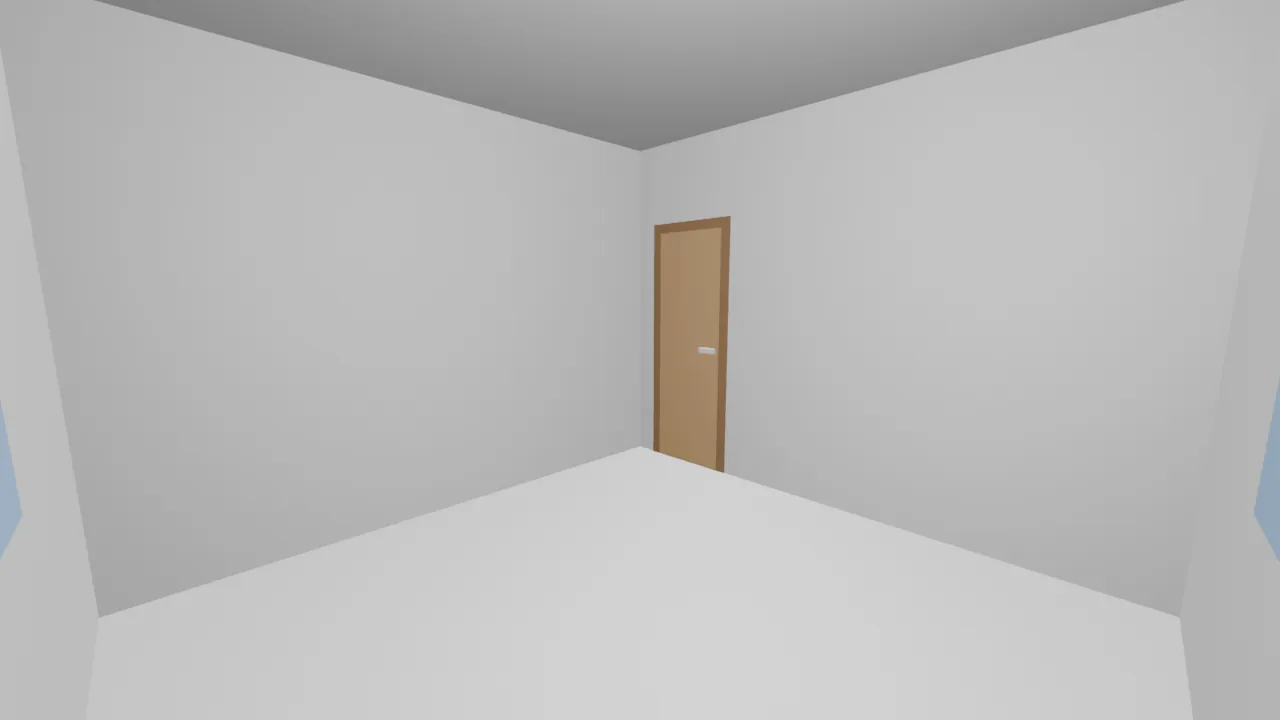
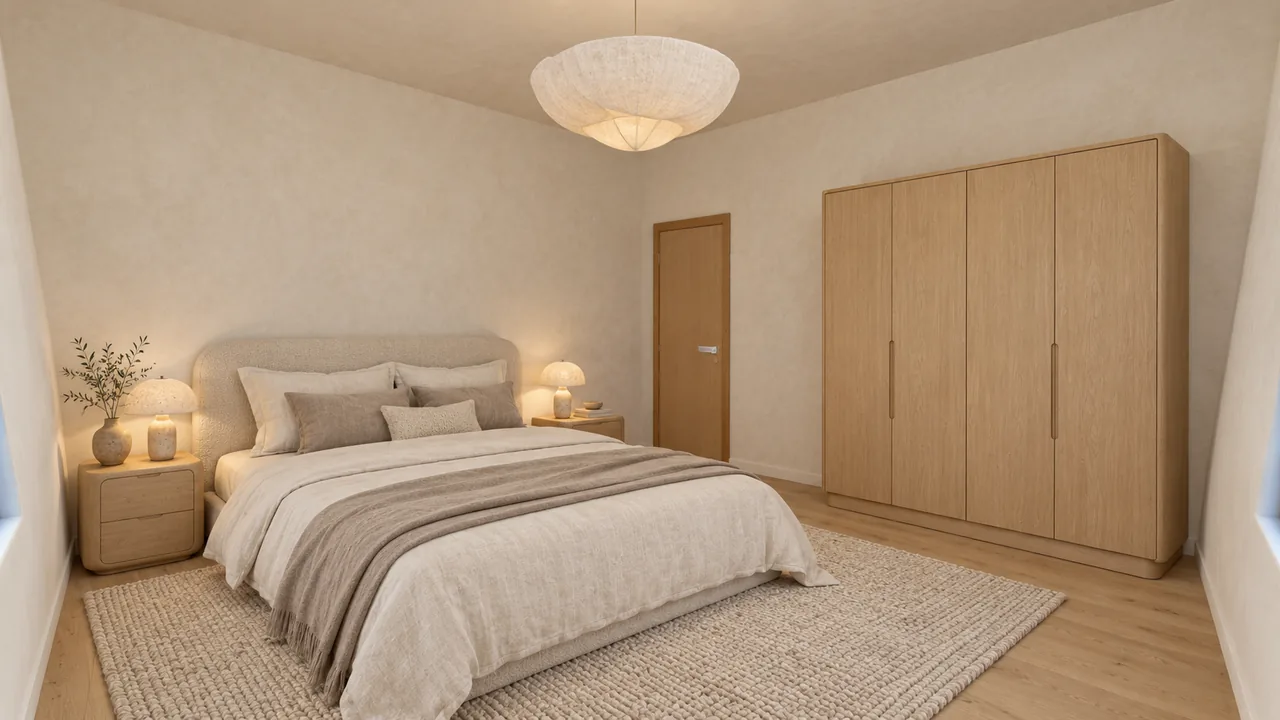
- Roomsee. Reads the walls, windows and doors, builds a grey 3D model of every room with a camera inside it, and renders a furnished photo of each room over that model from the same camera. An open kitchen and living area is split into zones, and each zone gets its own photo. $29.99 for one style, $59.99 for three, $79.99 for five, paid once, with 9 extra renders included.
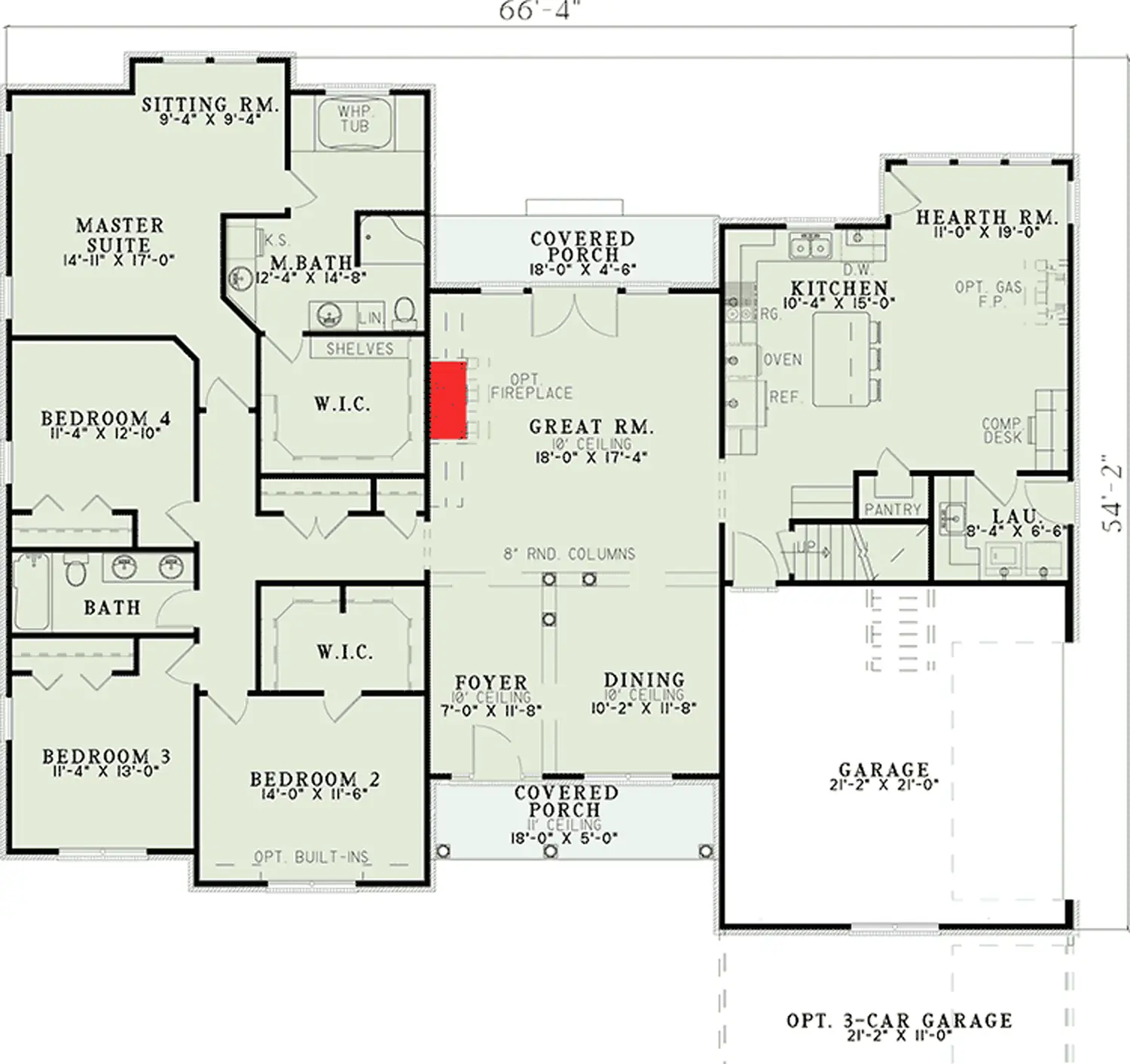
Every Roomsee render is checked against its 3D model; one that fails is redrawn automatically for free and never reaches your album. Reading the plan takes about 8 minutes and rendering about 12, so about 20 minutes from upload; bigger homes take longer. Our 9-room case study got 12 photos in about 20 minutes, and our 4-bedroom ranch got 17 photos in about 32 minutes. The walls, windows and doors stay where the plan has them; the furniture is a design suggestion. It is not perfect: in the ranch, our model closed an open porch with walls.
Where they are better than Roomsee: GenRoom is cheaper per room, gives free credits to try and also stages photos, facades and yards. Getfloorplan includes a 360° tour from $45, offers white label in its $69 set and has people check every plan. Roomsee works only from the floor plan and does not edit listing photos.
When does AI photo staging make more sense?
If the home is built and empty, you may not need the plan at all. Photo staging adds furniture to photos of the real rooms. Virtual Staging AI starts at $16 a month for 6 photos, billed yearly ($192), with a 10-second turnaround (pricing).
Where it is better than Roomsee: the buyer sees the actual house, its light and its finishes, not a rendering. Roomsee can't stage photos; it only works from the plan. Photo staging can't help before the house is built or photographed. We compare the costs in virtual staging vs real staging.
How do you choose?
- You want to change the layout or measure furniture: a DIY planner.
- You need exact finishes, print quality or a hero image for marketing: a rendering studio.
- You need one quick image of the whole plan: an AI tool that renders the plan as one picture.
- You want to see every room furnished before it is built: an AI tool that renders room by room. See how Roomsee does it on floor plan to 3D render.
- The home is built and photographed: photo staging.
Two more questions decide a lot. Do you need a person? Roomsee is not a designer: no shopping list and no live designer, so if that is what you want, read Roomsee vs an interior designer or Roomsee vs Havenly. Is it for a listing? Then label every render; our article on AB 723 and renderings covers the rules.
Sources
- RoomSketcher, AI Convert (checked November 1, 2026)
- RoomSketcher, pricing (checked November 1, 2026)
- Planner 5D, pricing (published US prices, checked November 1, 2026)
- Floorplanner, pricing (checked November 1, 2026)
- Bella Virtual, 3D interior rendering services (checked November 1, 2026)
- BoxBrownie, interior renders (checked November 1, 2026)
- Render a House, home page and pricing (checked November 1, 2026)
- Render a House, floor plan to 3D render (checked November 1, 2026)
- Render a House, supported file formats (checked November 1, 2026)
- mnml.ai, Floor Plan AI (checked November 1, 2026)
- mnml.ai, pricing (checked November 1, 2026)
- GenRoom, floor plan to 3D (checked November 1, 2026)
- GenRoom, pricing (checked November 1, 2026)
- Getfloorplan, packages and FAQ (checked November 1, 2026)
- Virtual Staging AI, pricing (checked November 1, 2026)
- Roomsee case study: floor plan to photos for a 9-room home
- Roomsee case study: a 4-bedroom ranch floor plan furnished
FAQ
Can I turn a floor plan into a 3D render for free?
Yes, with limits. RoomSketcher's free account includes one AI floor plan conversion, Planner 5D has a free plan, and Floorplanner is free for up to 5 projects with watermarked exports. Render a House and mnml.ai give free credits for AI renders of the plan. Roomsee is not free: one style for the whole home costs $29.99.
What is the best app to see my floor plan furnished?
It depends on what you want to see. To move furniture around yourself, use a 3D planner such as RoomSketcher or Planner 5D. For one furnished image of the whole plan, use Render a House or mnml.ai. For an eye-level photo of every room, use a tool that renders room by room, such as Roomsee, GenRoom or Getfloorplan.
How do I convert a floor plan into a 3D model online?
Upload the plan to a planner with automatic recognition: RoomSketcher's AI Convert reads JPG, PNG and PDF plans, and Planner 5D Premium turns an uploaded plan into an editable 3D project. AI renderers like Render a House return an image, not a model you can edit. Roomsee builds a 3D model of every room to render over, but you can't edit its walls.
Is an AI render accurate enough to build or buy furniture from?
No. Treat any AI render, ours included, as a picture of how the home could look. Measure before you buy furniture, and use the architect's drawings for anything that gets built. Roomsee keeps the walls, windows and doors where the plan has them, but the furniture is a design suggestion.
How long does it take to turn a floor plan into 3D renders?
AI tools that render the whole plan as one image take seconds to a minute. Roomsee takes about 20 minutes from upload for every room, longer for bigger homes. Getfloorplan delivers in 24 hours, and Bella Virtual says a studio render typically takes 1 to 2 weeks.
Can I use these renders in a real estate listing?
Yes, if you label them. A render from a floor plan is not a photo of the actual home, so mark it as a rendering or virtually staged and follow your MLS rules. In California, AB 723 adds a disclosure rule for digitally altered listing images. This is not legal advice: ask your broker.