Furnished floor plan: how to see your floor plan with furniture
Roomsee doesn’t draw furniture onto the 2D plan; it gives you a furnished photo of every room, drawn over a 3D model of your plan, so the walls, windows and doors stay where the plan puts them. One style for the whole home costs $29.99 and takes about 20 minutes. For a 2D furniture layout at real sizes, draw it on the plan yourself or in a planner app, and leave the clearances listed below.
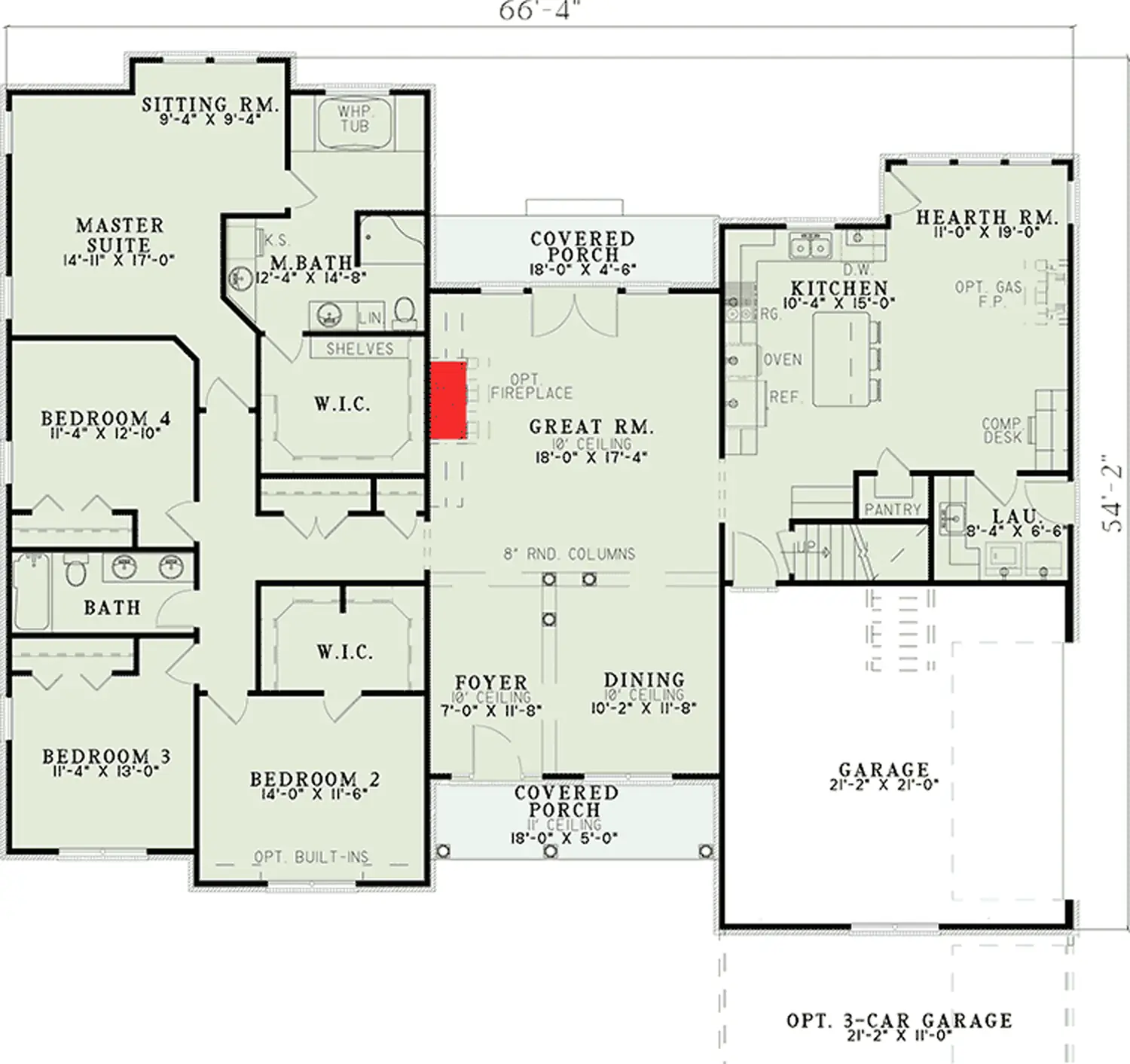
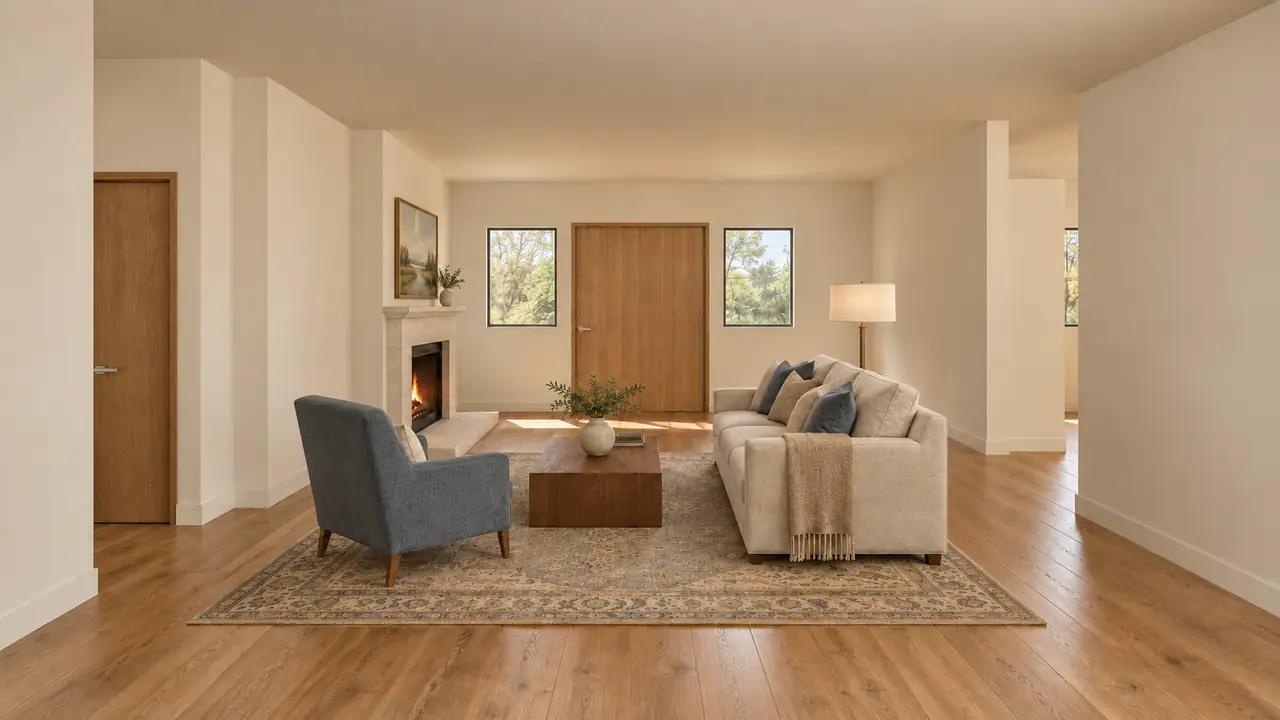
What is a furnished floor plan?
A floor plan with furniture drawn in at scale: the bed, the sofa, the dining table, each placed in its room and seen from above. It answers one question: does it fit, and can you still walk around it? A furnished photo of a room answers another: what will the room look like? Most people want both, and they come from different tools.
What are the ways to get one?
| Draw it on the plan | 3D planner app | Interior designer | Roomsee | |
|---|---|---|---|---|
| What you get | A 2D layout on a copy of the plan | A 2D layout and a 3D preview | A layout made for you | A furnished photo of every room over a 3D model; no 2D layout |
| Checks your furniture sizes | Yes, if you measure carefully | Yes, with sized furniture | Yes | No |
| Who does the work | You | You redraw the plan and place the furniture | The designer | We read the plan and render every room |
| Shows style and light | No | A preview, not a photo | Depends on the designer | Yes, in the style you pick |
| Price | Free | Depends on the app | Quoted by the designer | $29.99 for one style, one-time |
If you want the layout drawn and the pieces chosen for you, that is a designer’s job, not ours. Roomsee is for seeing the rooms furnished in a style; the 2D layout is yours to check.
How do you check furniture sizes against the plan?
- Read the room sizes. US plans print them in feet and inches; convert to inches before you do the math (12′4″ is 148 inches). Match the longer number to the longer wall.
- Mark what furniture can’t cover. The quarter circle of each door swing, closet doors, and windows. A plan doesn’t show sill height, which matters for a headboard or a tall dresser.
- Measure each piece at its widest points. For a bed, measure the frame and headboard, not the mattress. Measure the way in too: the front door, the hallway, the stair turn.
- Add the space each piece needs. Dimensions.com recommends at least 30 inches, and 36 inches for comfort, around the open sides of a queen bed, which is 60 by 80 inches (Dimensions.com, queen bedroom layouts, checked November 1, 2026). For walkways, kitchen aisles and the space behind dining chairs, use the minimums in the NKBA Kitchen Planning Guidelines (Guidelines 6, 7 and 8). These are design recommendations, not building code.
- Test the layout. Tape on the floor if you can get into the home, paper cut-outs if the plan is to scale, or a free planner app.
The full method, with a table of sizes and clearances and the mistakes to avoid: how to furnish a room from a floor plan.
Where does a Roomsee render fit?
Use it to choose a style and see the rooms with your own walls, windows and doors, before you buy anything. Upload the plan, check the room list, and in about 20 minutes you get a furnished photo of every room and a 3D view of the home you can turn in the browser. Every photo has a Download photo button; there is no CAD or 3D file, and the photos don’t name products or stores.
What it won’t do: place your own furniture, or tell you that your sofa fits or that a walkway is wide enough. The furniture in each photo is a suggestion in the style you pick. Check fit with the steps above.
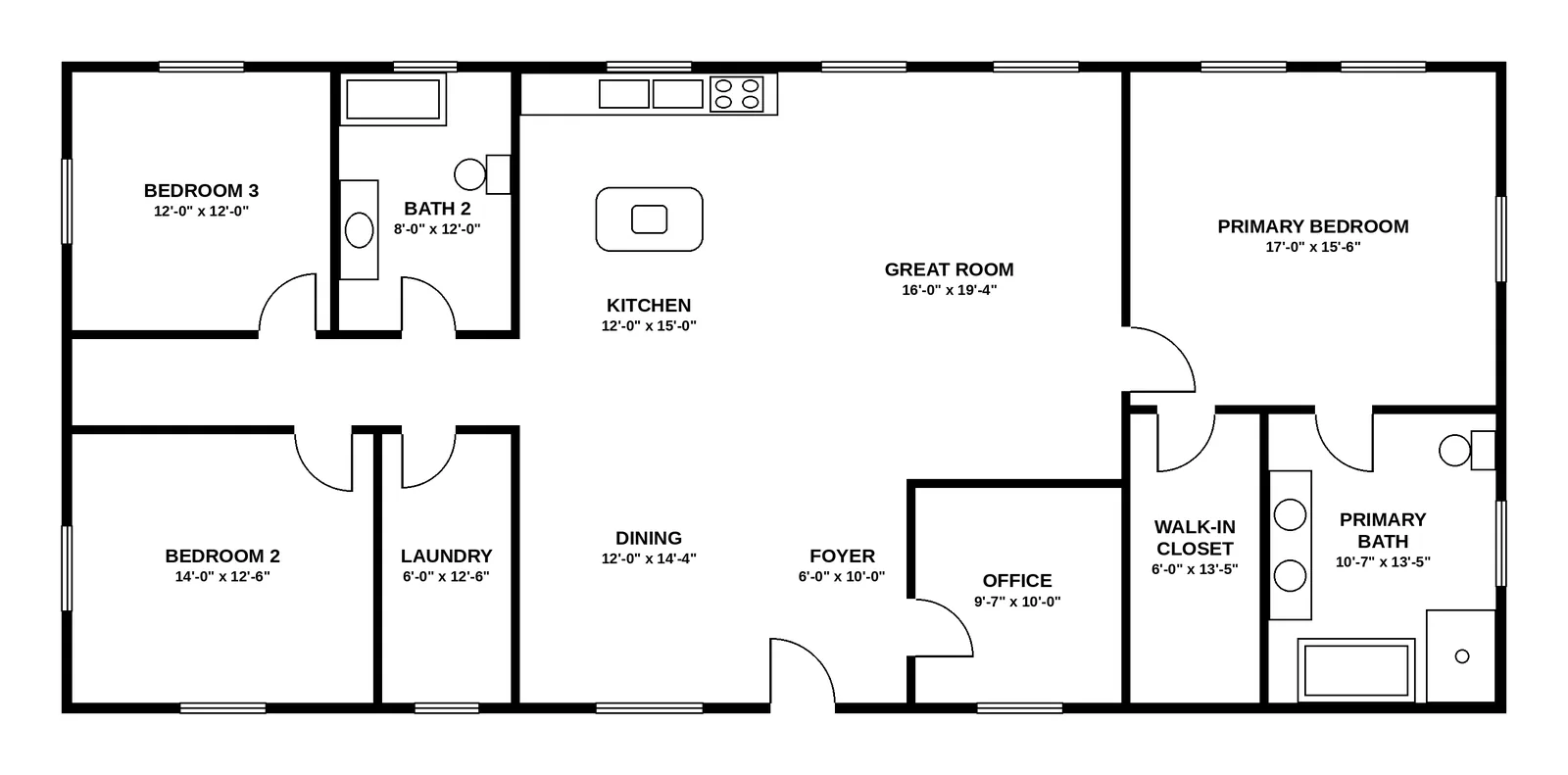
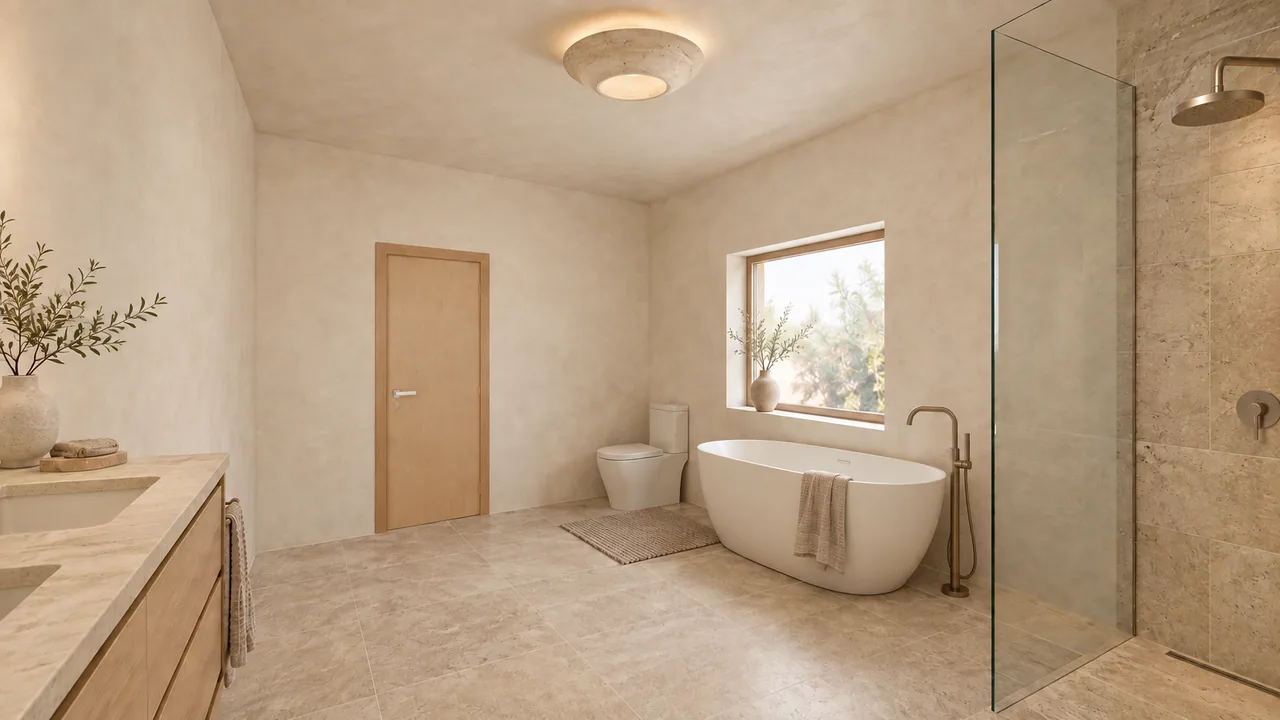
Every room of both homes, with every miss: the 9-room home case study and the 4-bedroom ranch case study. How the plan becomes a 3D model and photos: floor plan to 3D render. Three styles cost $59.99 and five cost $79.99; see pricing.
FAQ
Can Roomsee put furniture on my 2D floor plan?
No. Roomsee doesn’t draw furniture onto the 2D plan. It renders a furnished photo of every room over a 3D model of your plan. For a 2D layout, draw on a copy of the plan or use a planner app.
Is the furniture in the renders drawn at real sizes?
Not in a way you can measure. The walls, windows and doors come from your plan, and the furniture is drawn to look right in the room, but it is a style suggestion, not a measured layout. Check fit with your own measurements.
What if my floor plan is not to scale?
Then paper cut-outs at scale won’t work. Use the printed room sizes instead: convert them to inches and compare each piece of furniture, plus the space it needs around it, with the wall it goes on.
Which rooms do I get photos of?
Every room we find on the plan. An open kitchen, dining and living area is split into zones, and each zone gets its own camera and photo. You check the room list before rendering.
Can I see my home in 3D?
Yes, in the browser: the album shows your home as a 3D model you can turn, next to the photos. You can download every photo, but not the 3D model.
See your floor plan furnished, room by room
One style for the whole home: $29.99, one-time. About 20 minutes from upload.
Upload your floor plan